
I was inspired by this which I saw a while ago when looking at the discord channel of the class. It was sent by Professor Aaron Sherwood and it was an animation of some kind but not in p5js but rather in openFrameworks.
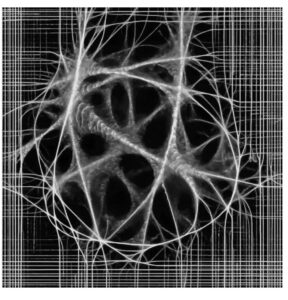
https://cargocollective.com/sagejenson/physarum
I didn’t really understand what I was looking at or how it was worked. I chose not to look at it too closely for now so that I could come up with my own rules.
I knew it was based off of a slime mold called Physarum. It again reminded me about a slime mold being used to replicate make the Tokyo subway system and when I searched online I found this:
The slime expands in all directions then when it reaches the nutrients the path connecting it to the center gets strengthened. Slime as far as I know doesn’t have any kind of central intelligence, instead each particle or unit (whatever its called) acts independently.
I thought back to Conway’s Game of Life. Made by the mathematician John Horton Conway it is meant to resemble cellular life. It consists of a grid where each cell can be considered either dead or alive. The user can turn a cell to be either dead or alive and then start the simulation. The simulation consists of simple rules:
(Taken from Wikipedia)
- Any live cell with fewer than two live neighbours dies, as if by underpopulation.
- Any live cell with two or three live neighbours lives on to the next generation.
- Any live cell with more than three live neighbours dies, as if by overpopulation.
- Any dead cell with exactly three live neighbours becomes a live cell, as if by reproduction.
Note that each rule is not based on where in the grid a cell is but rather is only based on the surroundings of each cell. I knew for my slime mold simulation to be passable as a simulation it would need to follow a similar ruleset / a similar philosophy.
This was what I came up with:
The way it works is that there are multiple what I called Cells which step outwards from the center of the canvas. Each cell’s movement is slightly randomized in that it has its intended direction say 45 degrees. But using a gaussian distribution and by setting the standard deviation to be some value say 5 degrees then adding the value to the intended direction so most values would be between 50 to 40 degrees. Here’s the corresponding function:
My Personal Highlight
vector_gaussian_heading(standard_deviation) {
    let new_vector;
    let current_heading = this.direction_vector.heading()
    let random_gaussian = randomGaussian(0, standard_deviation)
    // Constrain the value because it can in theory be any number albeit low chance
    random_gaussian = constrain(random_gaussian, -standard_deviation * 2, standard_deviation * 2)

    // Add the randomness to the heading but without updating the initial desired heading
    let random_heading = current_heading + random_gaussian;
    new_vector = createVector(this.direction_vector.x, this.direction_vector.y) // Note: I tried ... = this.direction_vector but it would update this.direction_vector as well :/
    new_vector.setHeading(random_heading)

    return new_vector;
  }
When first creating the code I got confused why at one point the cell would move in all kinds of random directions rather than sticking to a single direction and only deviating a small amount like I intended.
I originally wrote new_vector = this.direction_vector I believed that new_vector would be given the value of this.direction_vector but it would not change this.direction_vector. I was used to the equals sign meaning that what’s on the left would have the value of what’s on the right but not both.
My Progress
Randomly moving cells was not my only problem.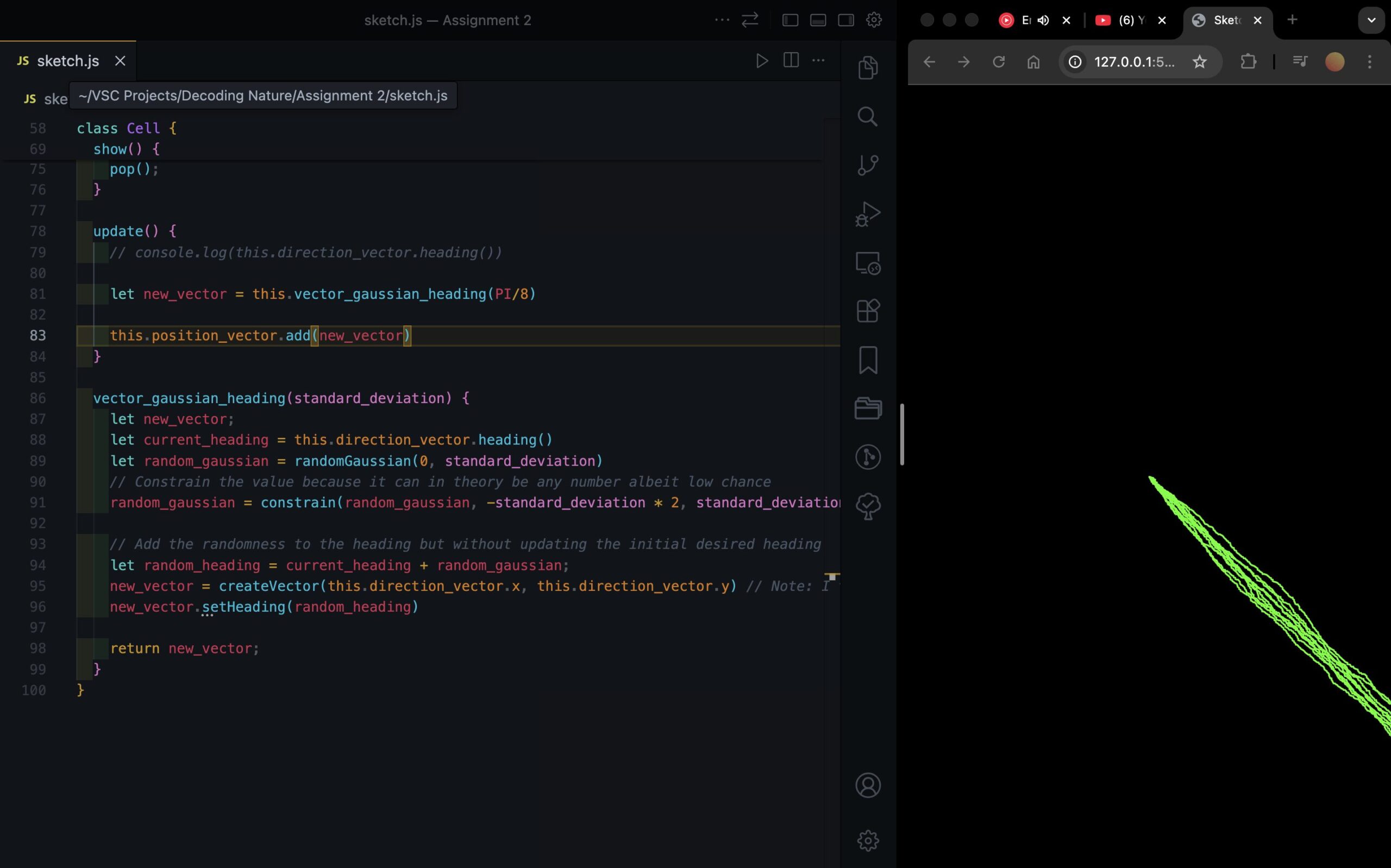
After implementing the slight randomness I began to add more than one Cell. In the screenshot above I believe that was around 10 of them. There’s a for loop in the setup() function within which I initialized all of the Cell classes and wanted to get the initial directions of the cells to span all 360 degrees evenly using a map function but for some reason I couldn’t get it to work. Instead I kept it simple and used a random() function.
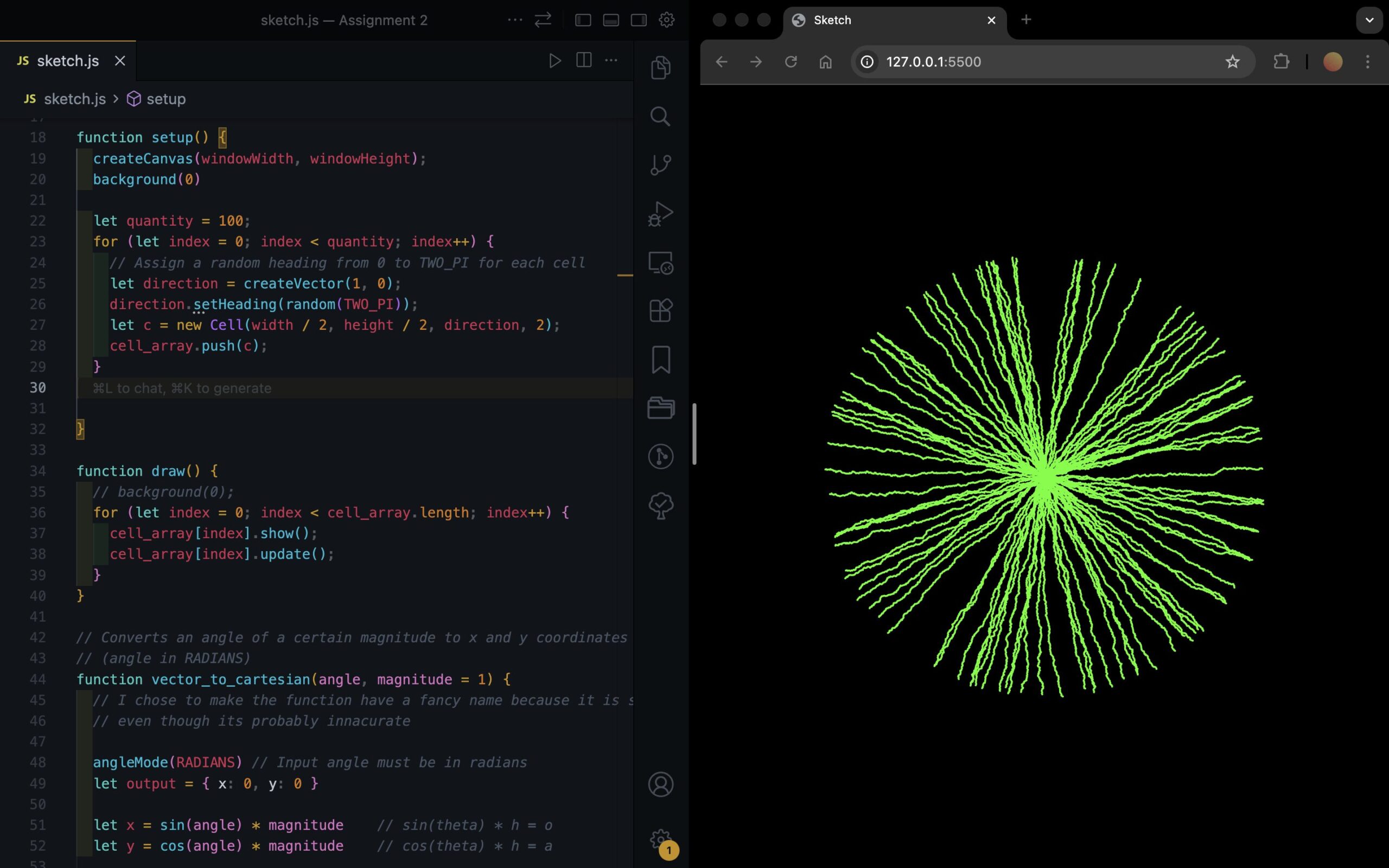
This is what it looked like afterwards.