The Abyss
Concept
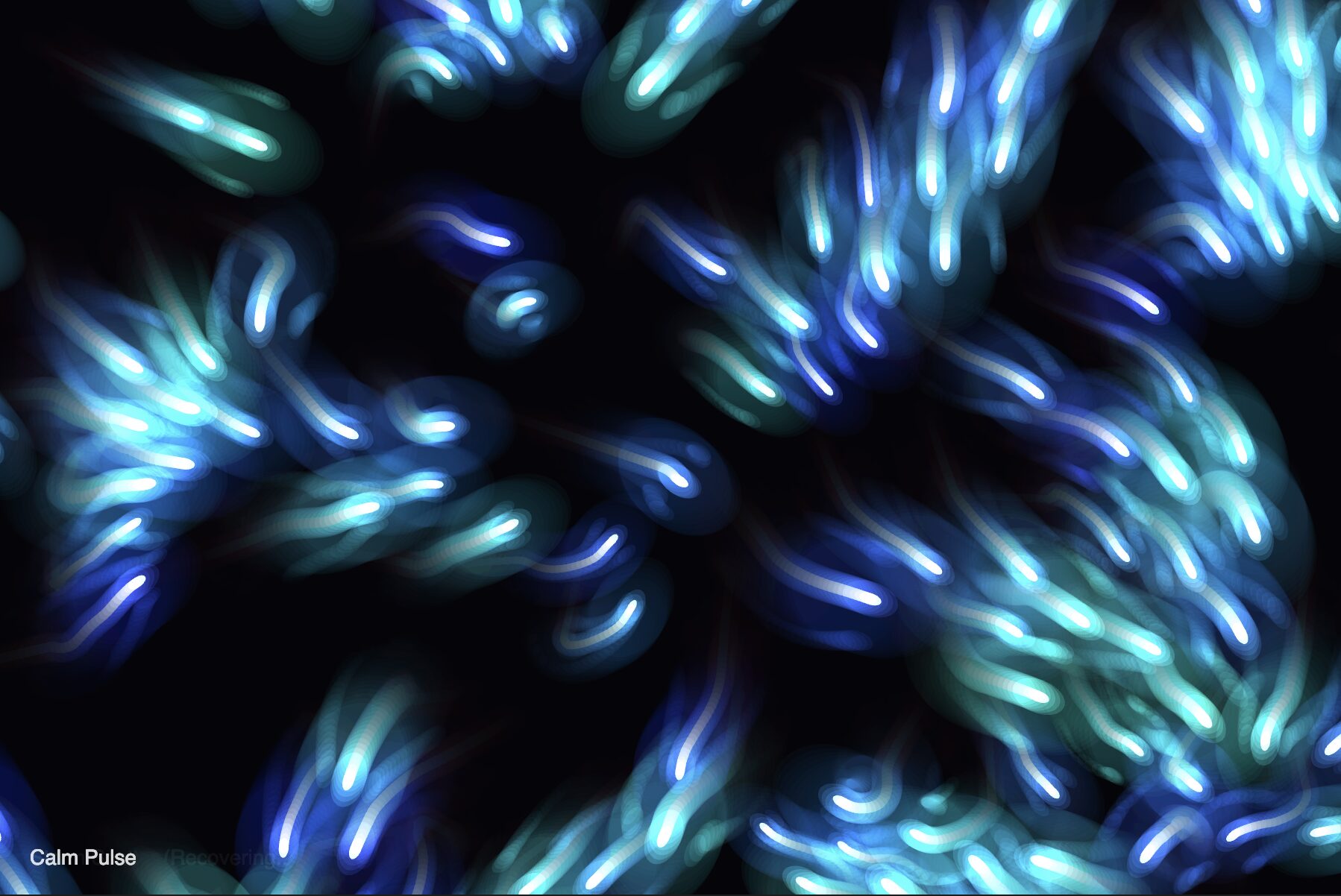
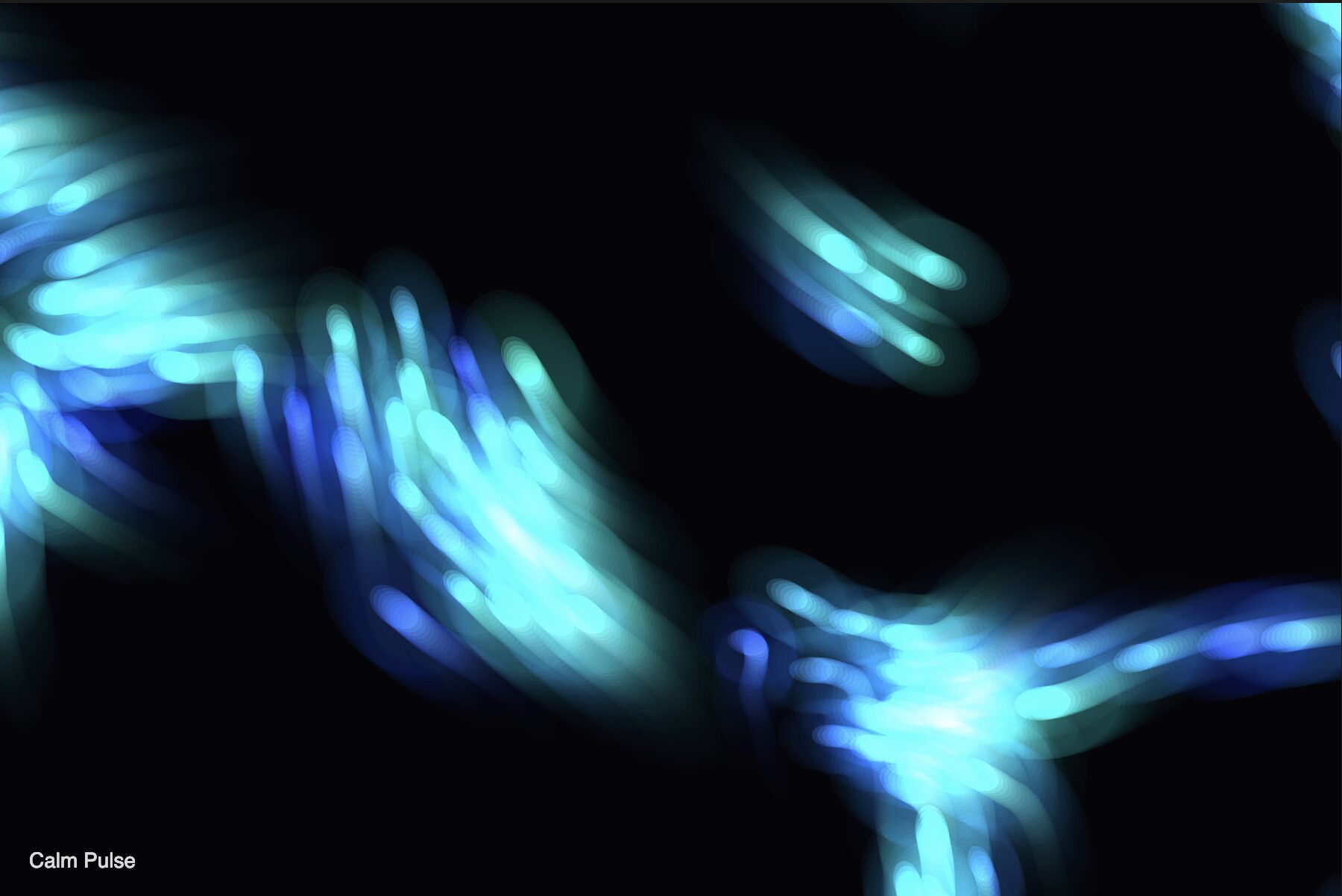
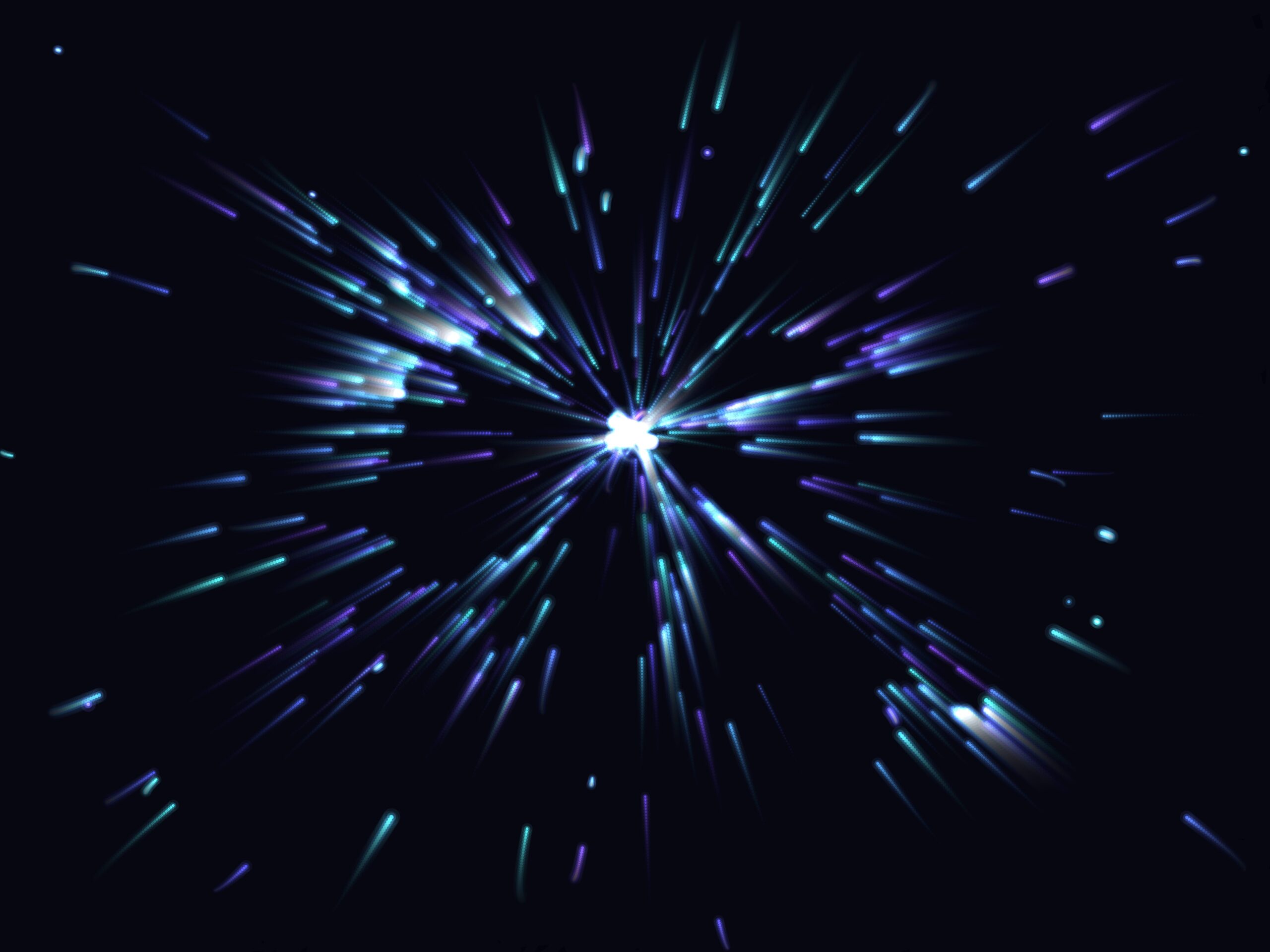
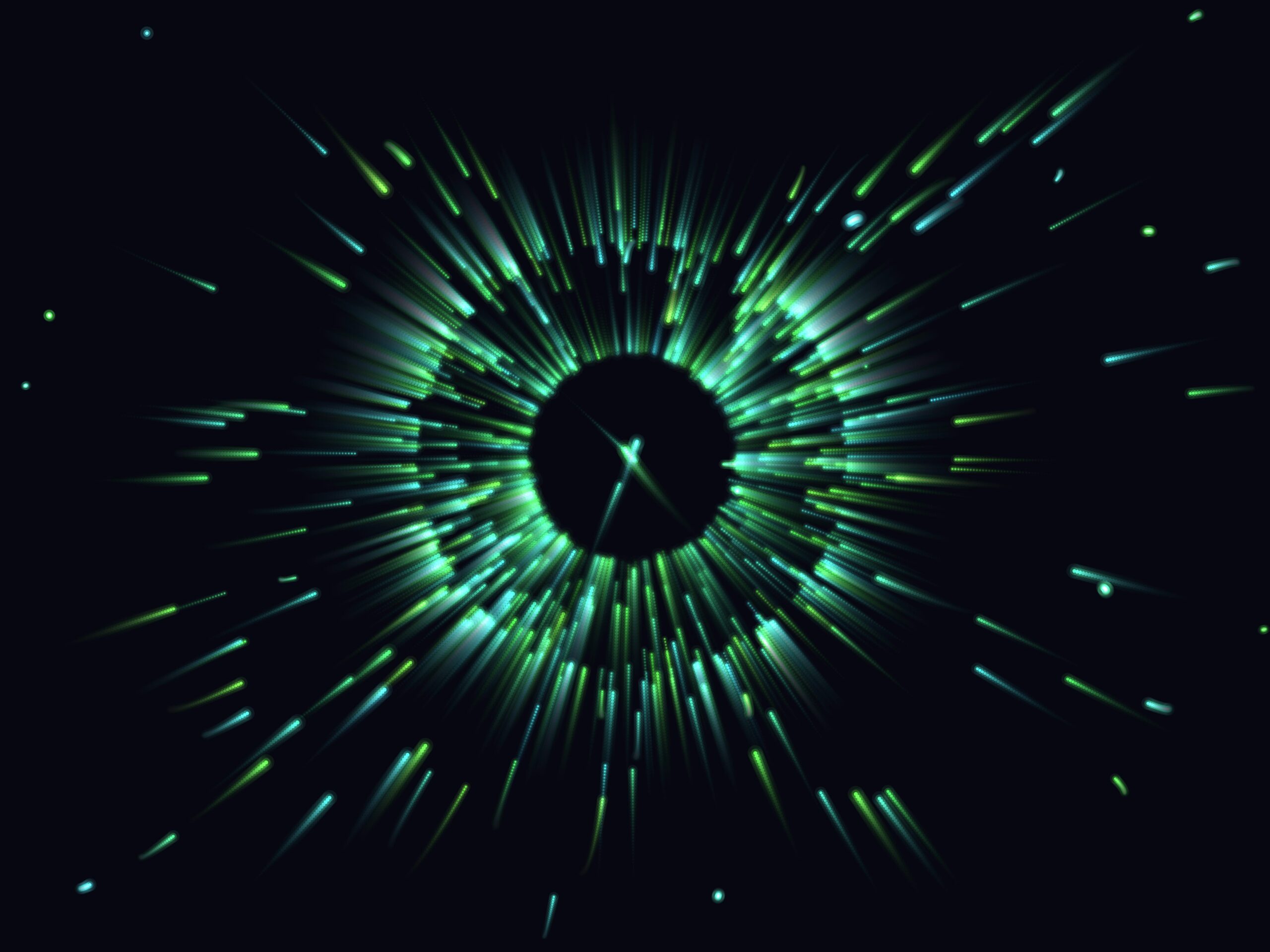
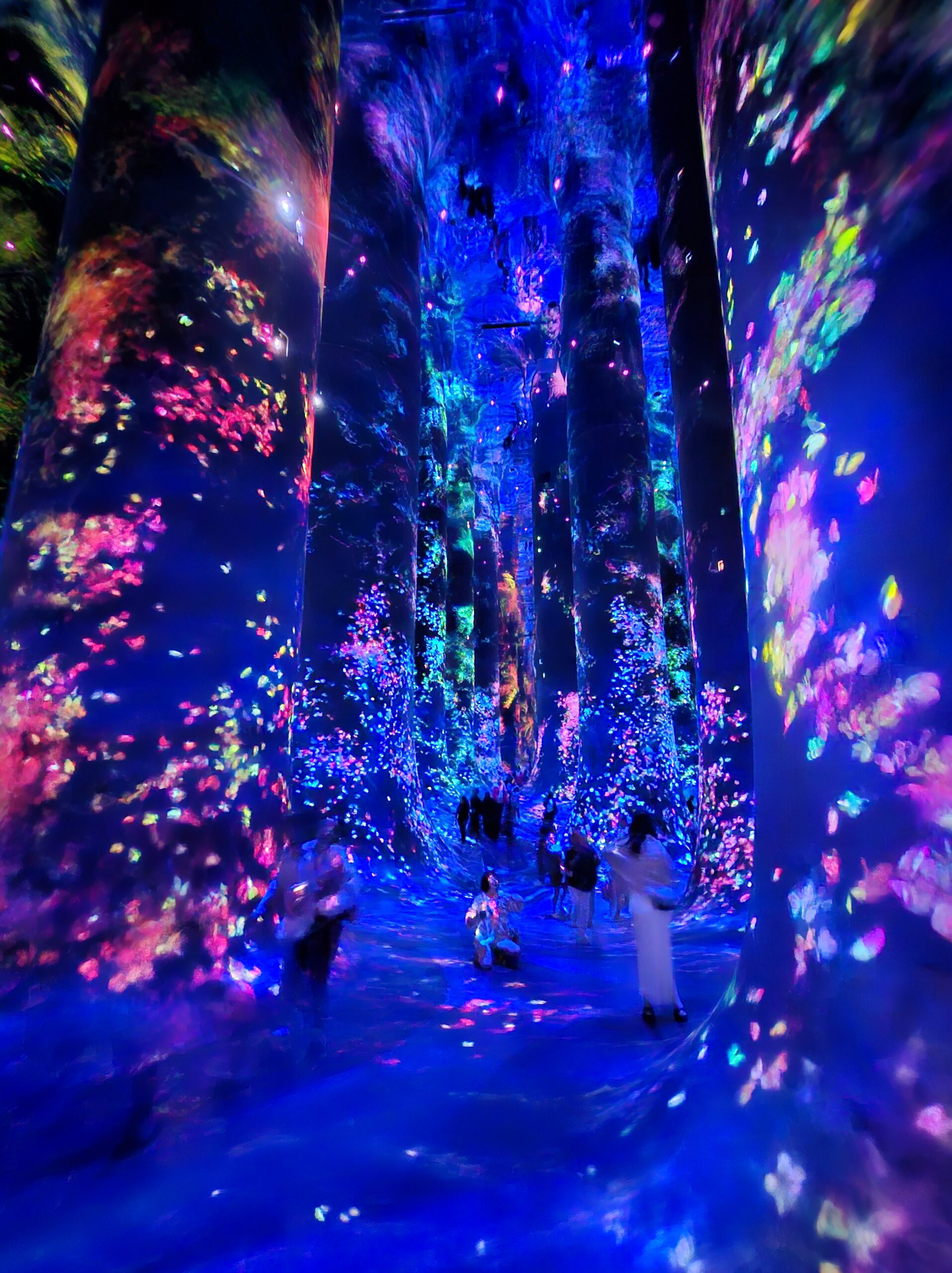
My final project is an interactive, digital, abyssal ecosystem built using p5.js and ml5.js (Handpose). The core metaphor places the user in a deep-sea abyss, acting as a foreign light source (your hand) interacting with a school of highly reactive, bioluminescent organisms.
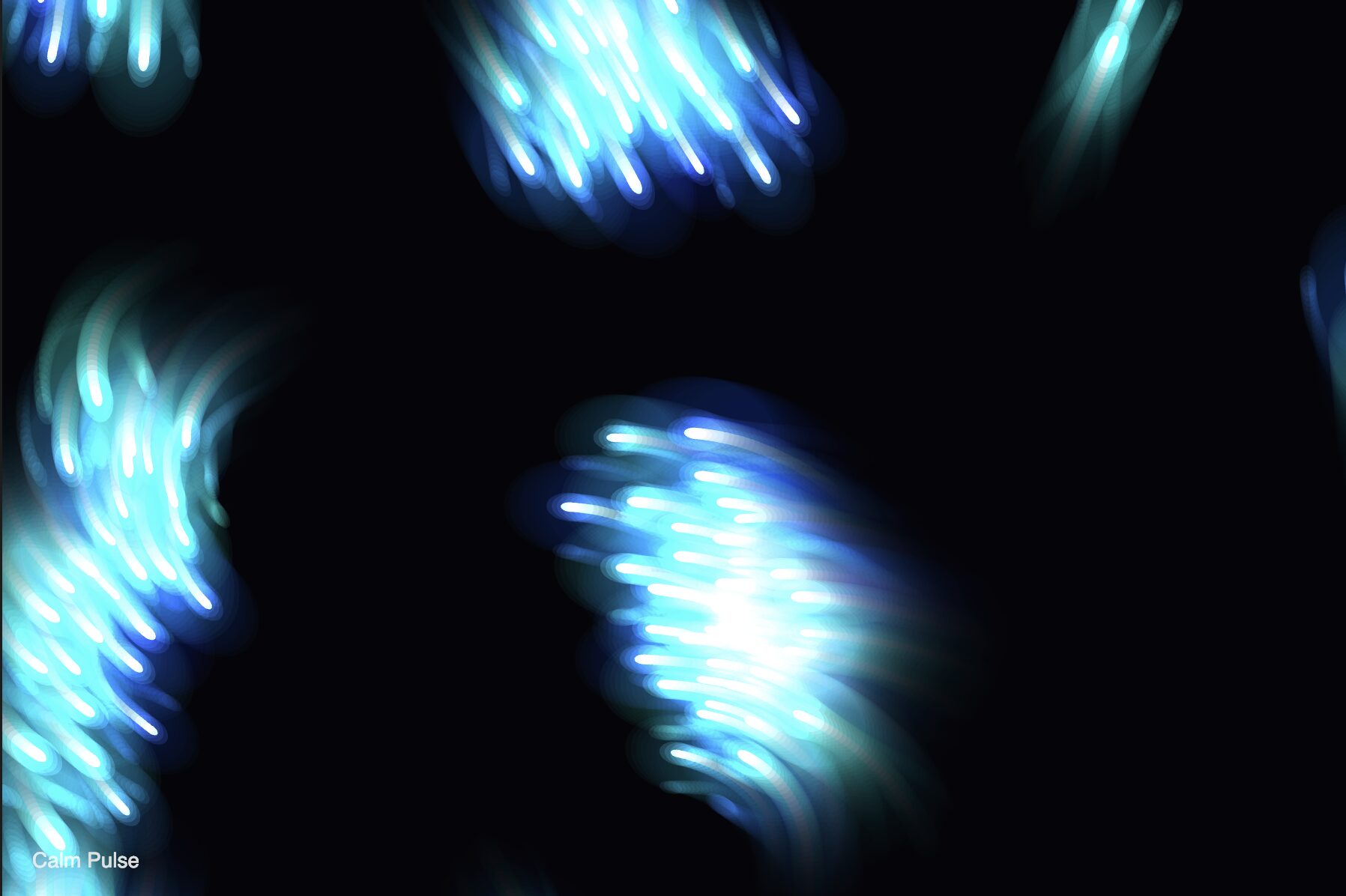
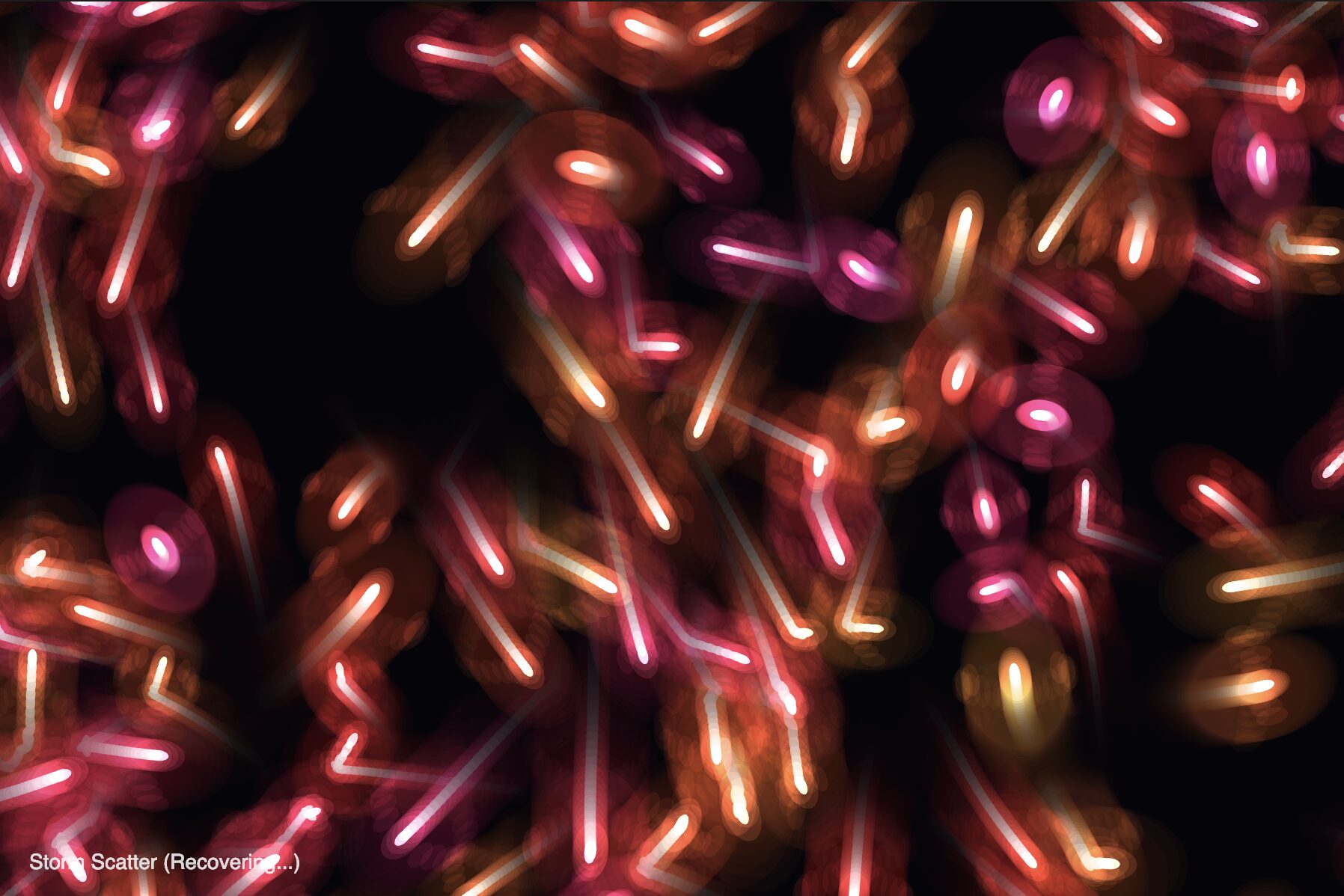
Instead of treating the user merely as a cursor, the project aims to create a living, breathing environment that responds not just to where the user is, but how they are acting. Through computer vision and audio reactivity, the ecosystem shifts between states of calm curiosity and chaotic panic, simulating a delicate, emotional underwater environment.
Sketch Link
Ml5.js won’t work on the blog so click on the link to view the project.
Video Documentation
Process, Milestones and Challenges
Building this ecosystem was a multi-step process, evolving from a simple particle system into a complex, living simulation.
Phase 1: The Core Prototype (The Abyssal Mirror)
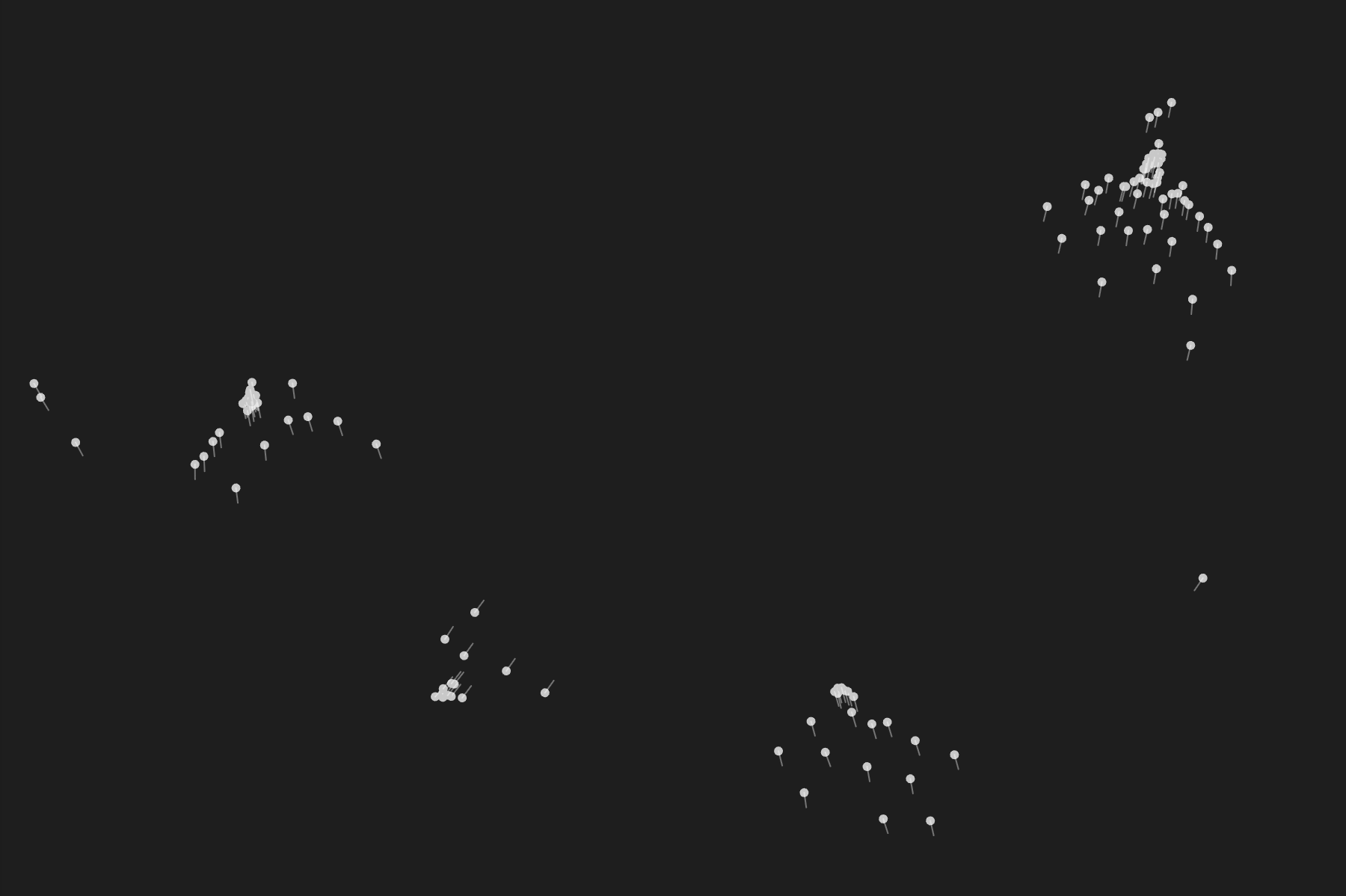
The initial prototype focused on getting the foundation working: rendering the flocking algorithm (boids) and hooking it up to the webcam using the ml5.js Handpose model.
-
The Challenge: Raw webcam data is incredibly jittery, which made the boids twitch erratically.
-
The Solution: I implemented a
handExistenceBufferto prevent the hand from “disappearing” on dropped frames, and usedlerp()(linear interpolation) to smooth out the tracking coordinates. -
Basic Heuristics: I started with simple interactions by calculating the average distance of the fingertips from the palm. A low distance triggered a
FIST(attract), and a high distance triggered anOPENhand (repel).
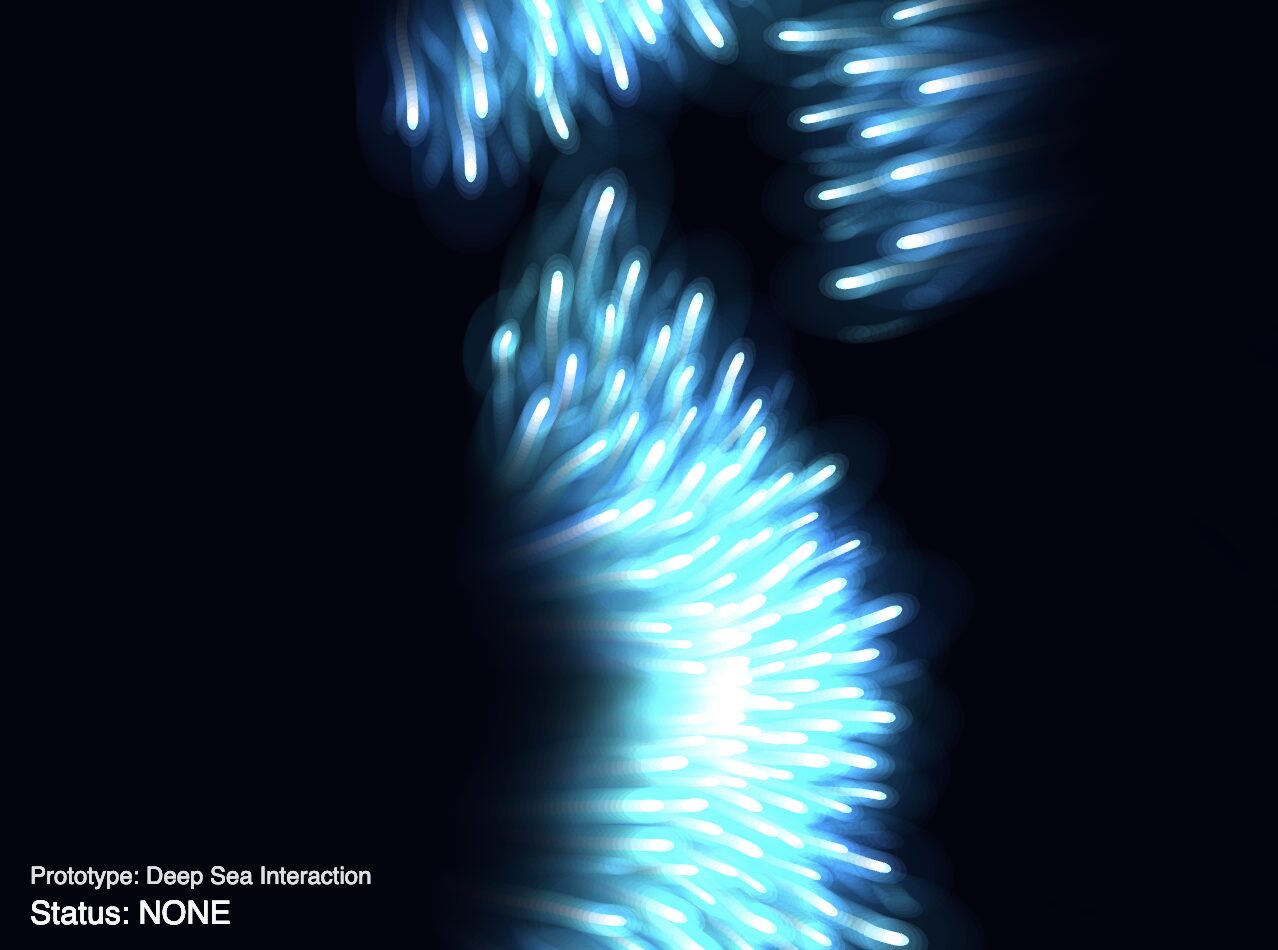
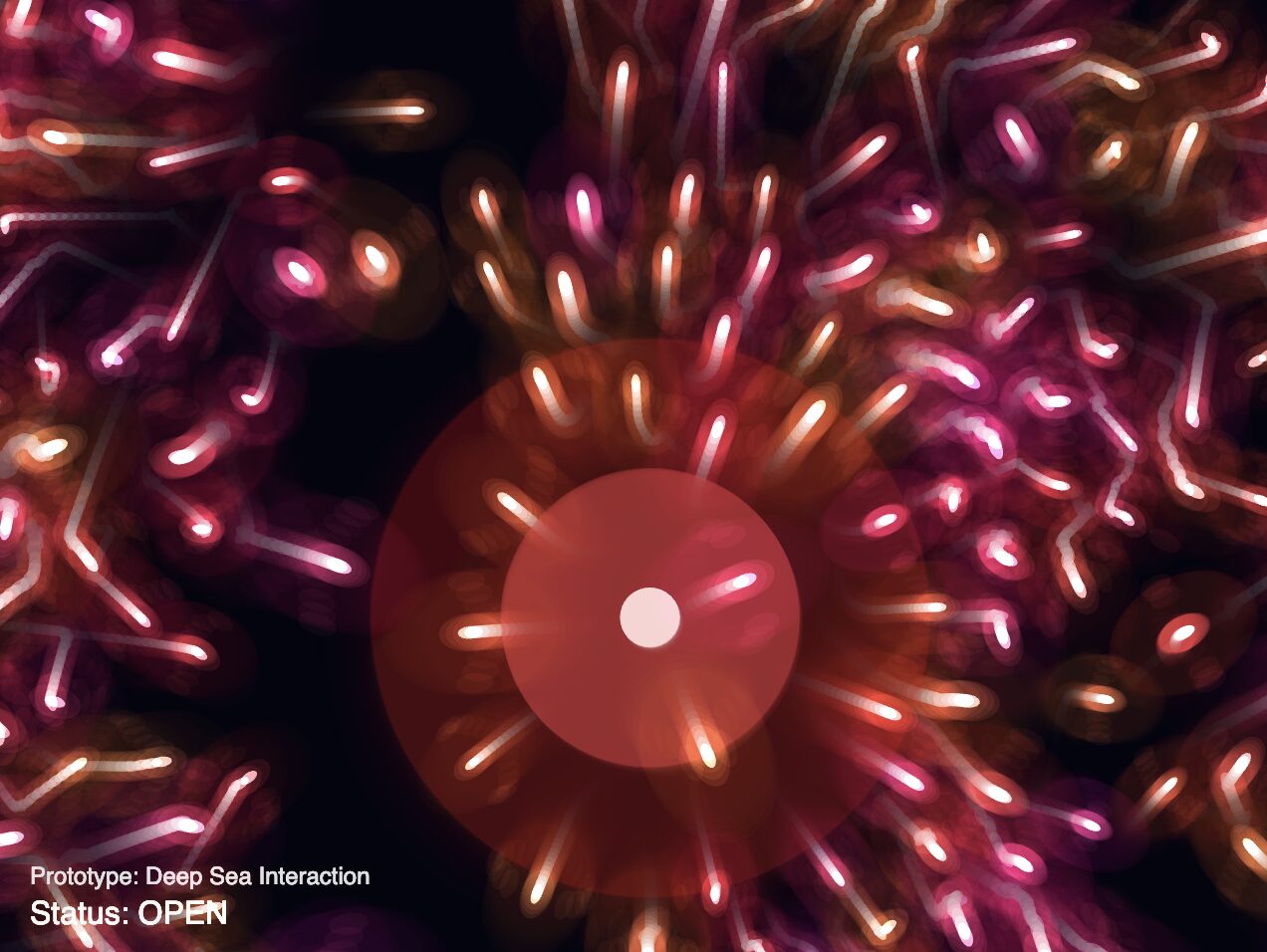
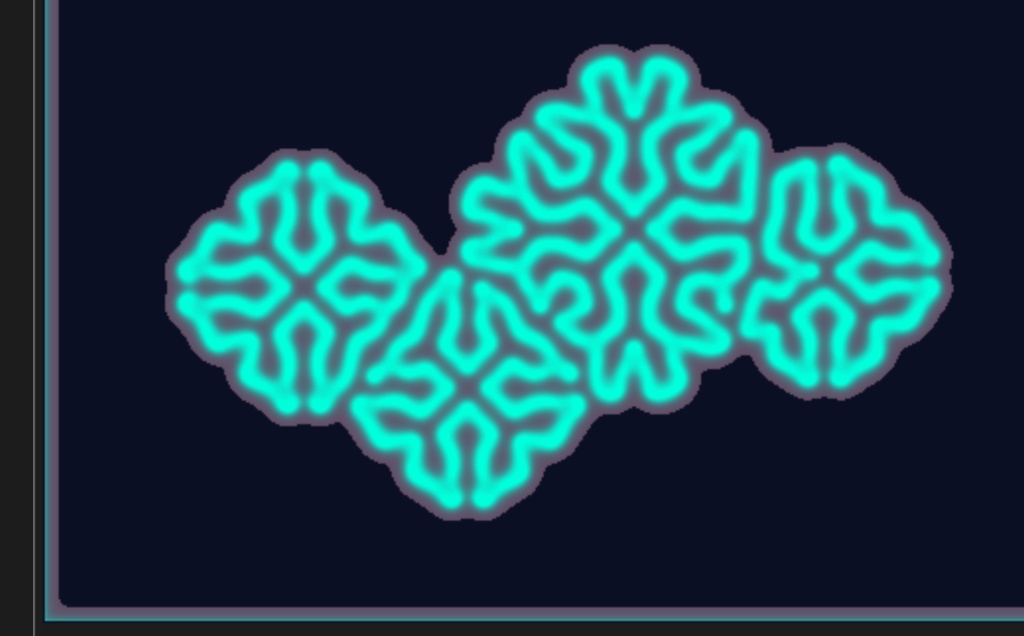
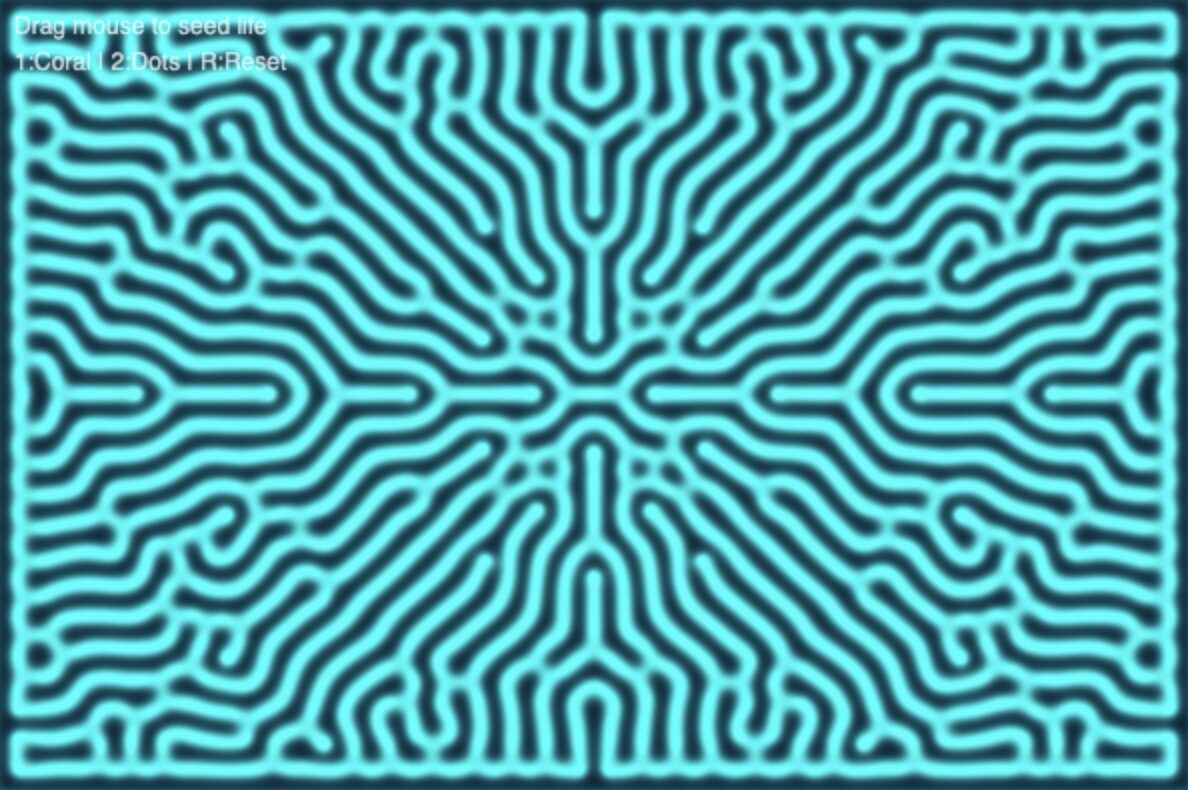
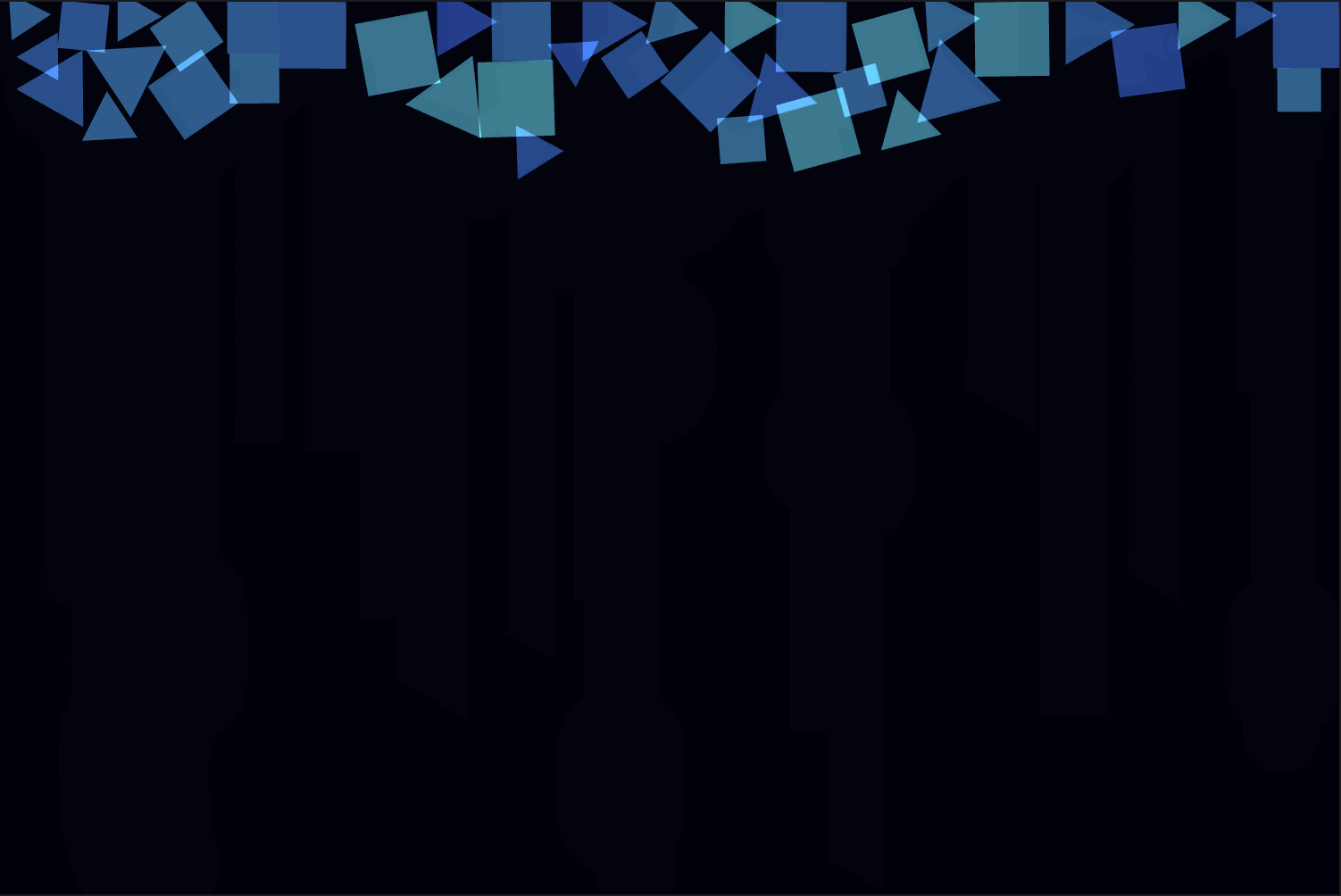
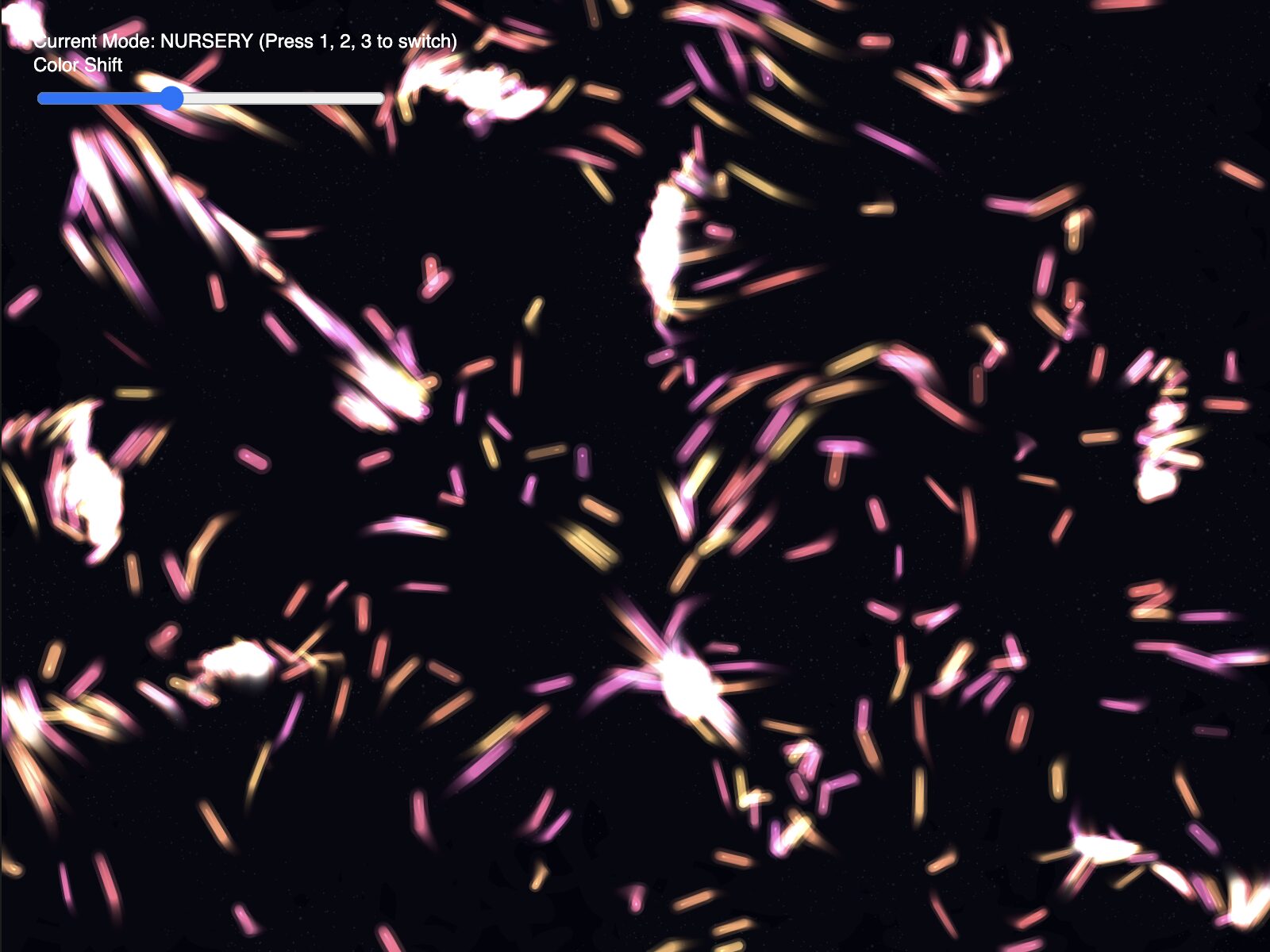
Visually, I knew I wanted it to be a bioluminescent vibe, so I used blendmode(ADD) and neon colors for the beings, taking inspiration from an old assignment. However, I wanted to make it visually differentiable from the assignment, so more on that later.
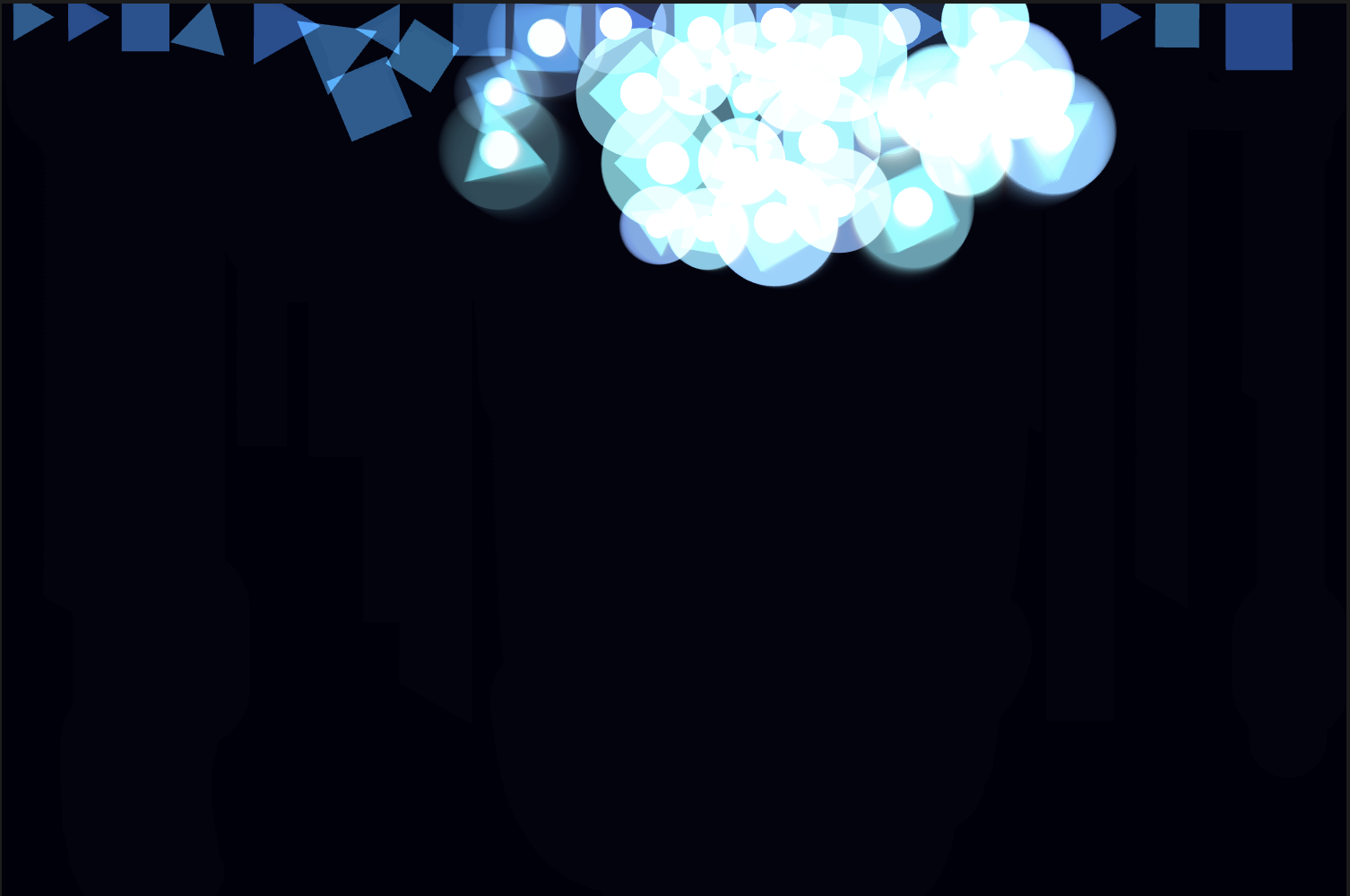
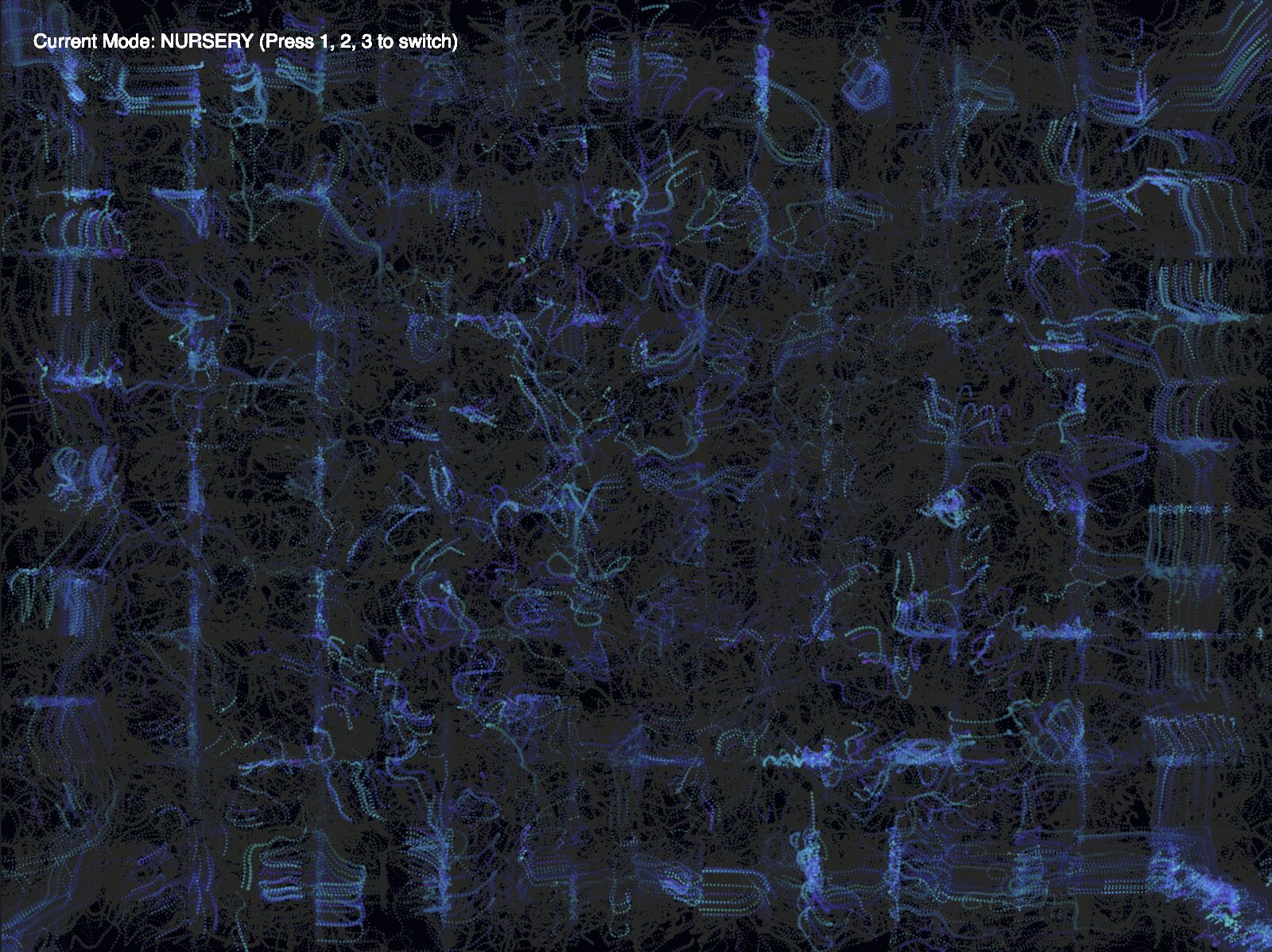
One of the challenges was getting the revolving animation working. Here is what the boids would do initially when I held up my fist, when I wanted them to orbit it out of curiosity for this new life source:
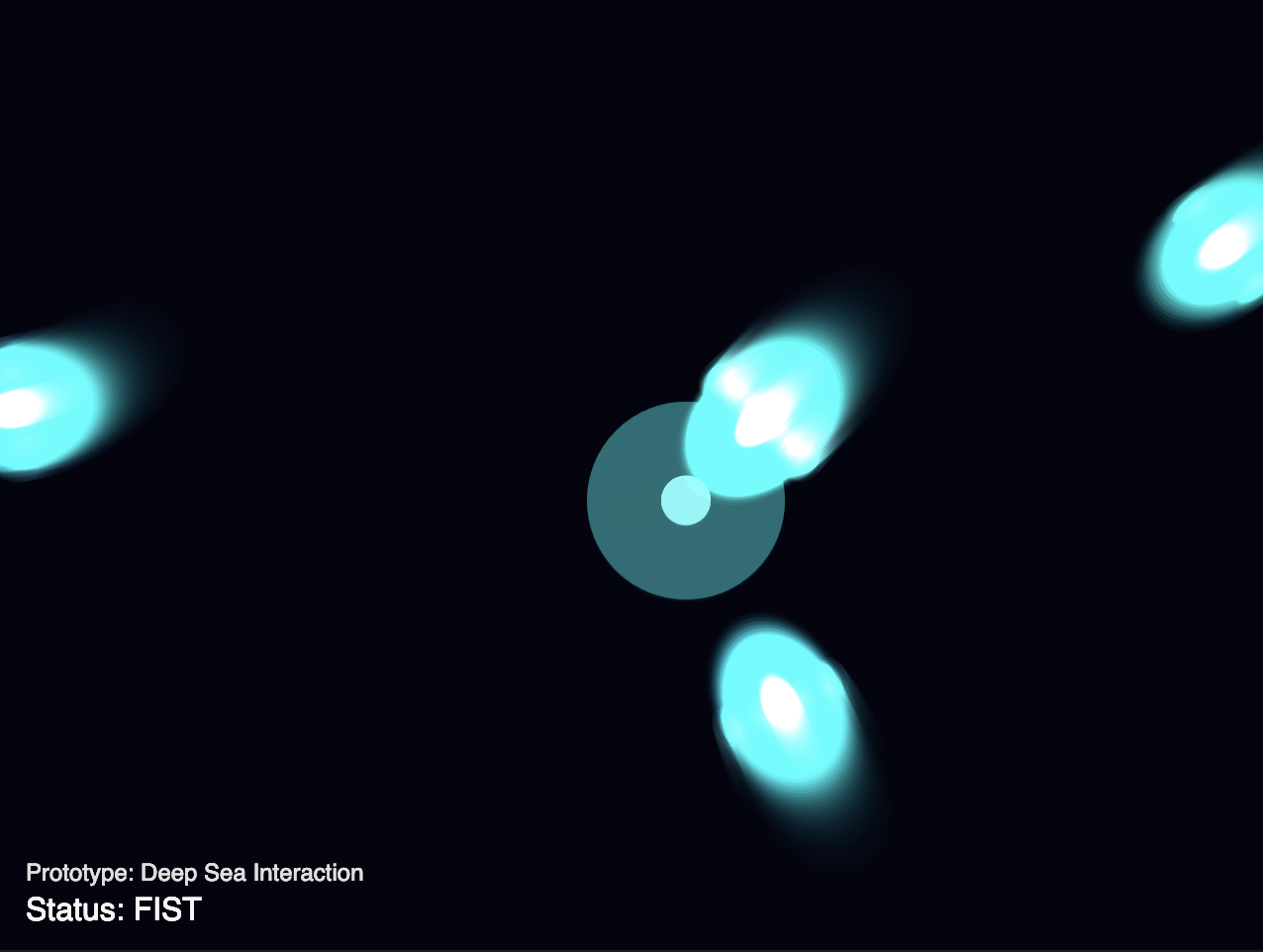
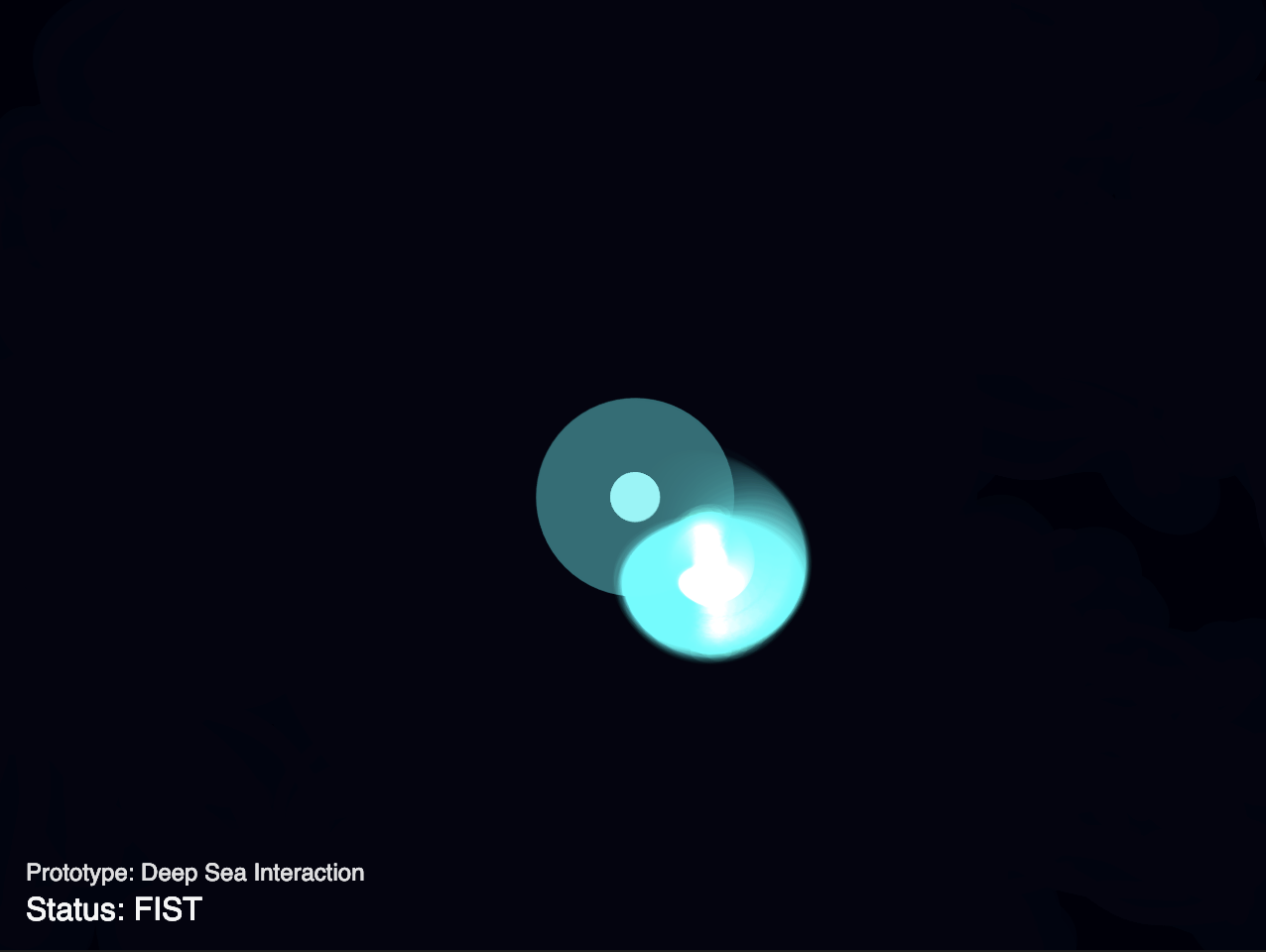
As you can see, they would just group together, intially in local groups, and then all of those would mesh into one, creating a confusing visual where all the fish were stacked on each other and moving as one. I took inspiration from Afra’s Assignment 9 where her sketch included a working revolving mechanism with the boids evenly spaced out instead of conjoining and used that sketch to make the boids orbit my fist in my sketch.
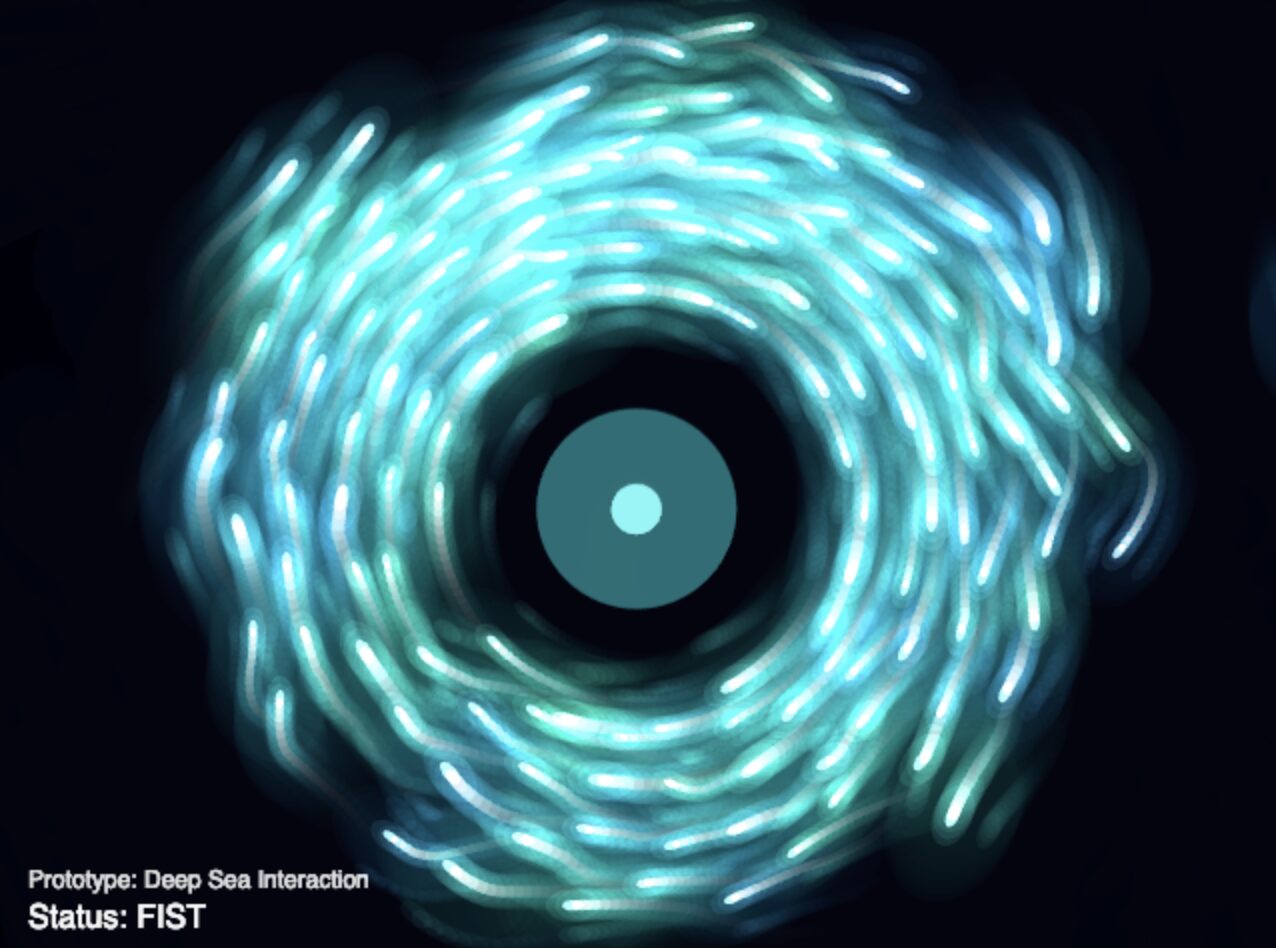
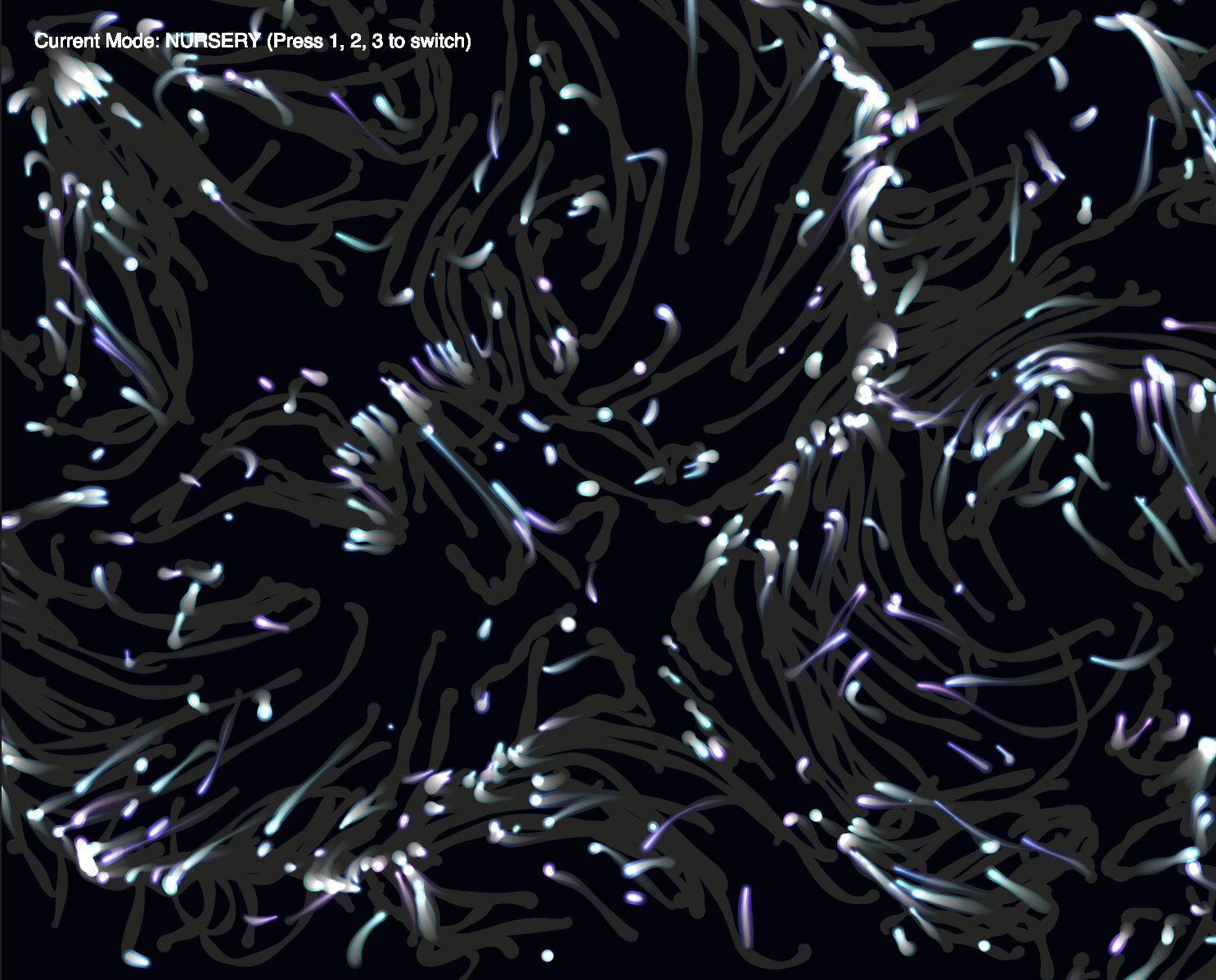
You can see how different it looks here from before, and how much closer it is to my vision of orbiting around this foreign light source. Basically, The FIST interaction was upgraded from a simple magnet to an orbital force. By calculating tangent vectors, the creatures now swirl gracefully around a closed fist like moths around a lantern.
Phase 2: Breathing Life into the Ecosystem
Once the logic worked, the geometric shapes felt too robotic and similar to what I’ve previously done. I wanted the creatures to feel organic and squishy.
-
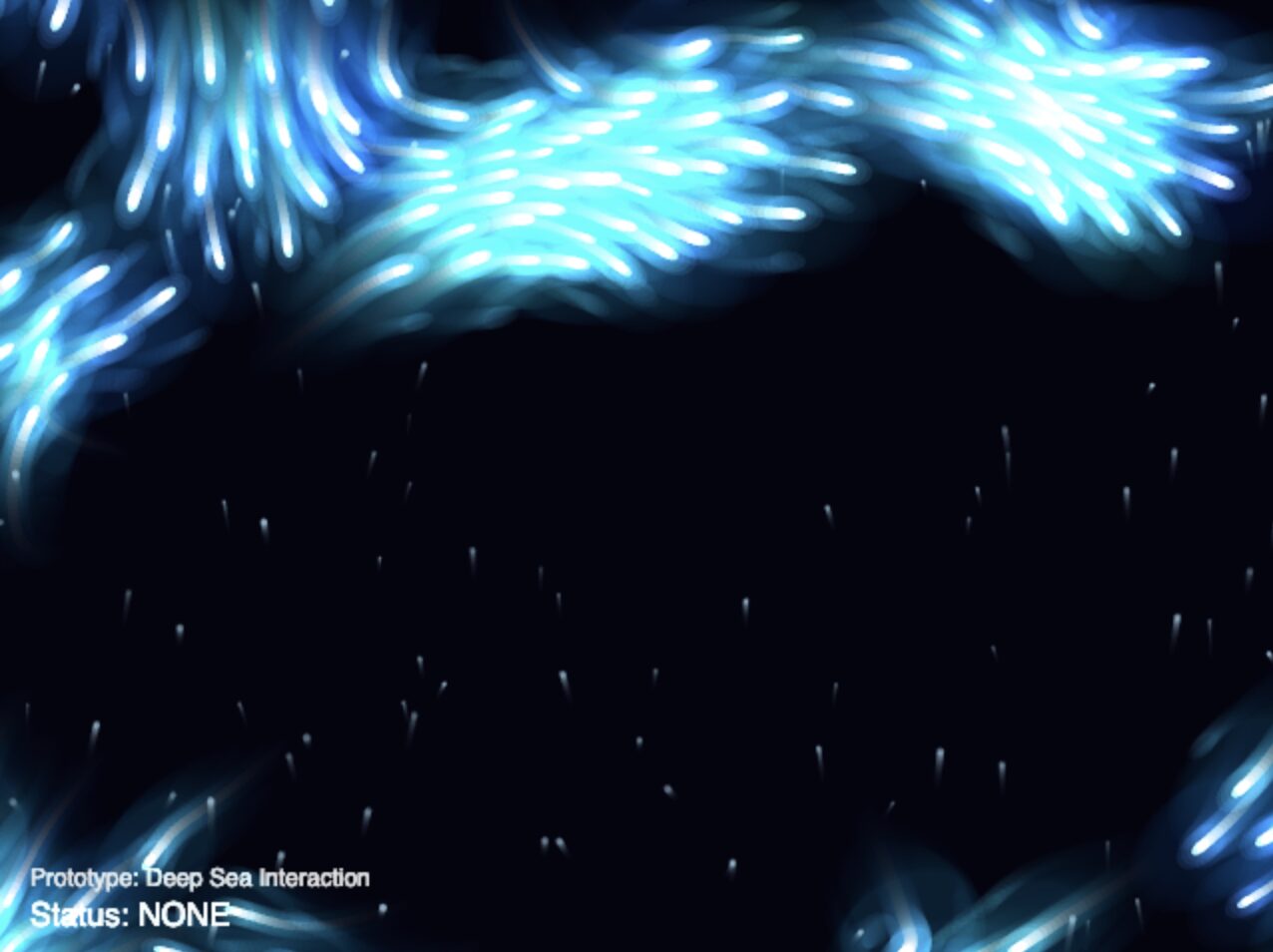
Fake Depth: To make the 2D canvas feel like an ocean, I introduced marine snow as you can see in the following visual. This added detail to the background to make it look more like an abyssal setting.
-
Organic Undulation: I replaced the basic shapes with a custom
beginShape()drawing that utilizes squash and stretch animation principles driven by asin()wave. I also added ribbon trails that fade out using the boids’ movement history.
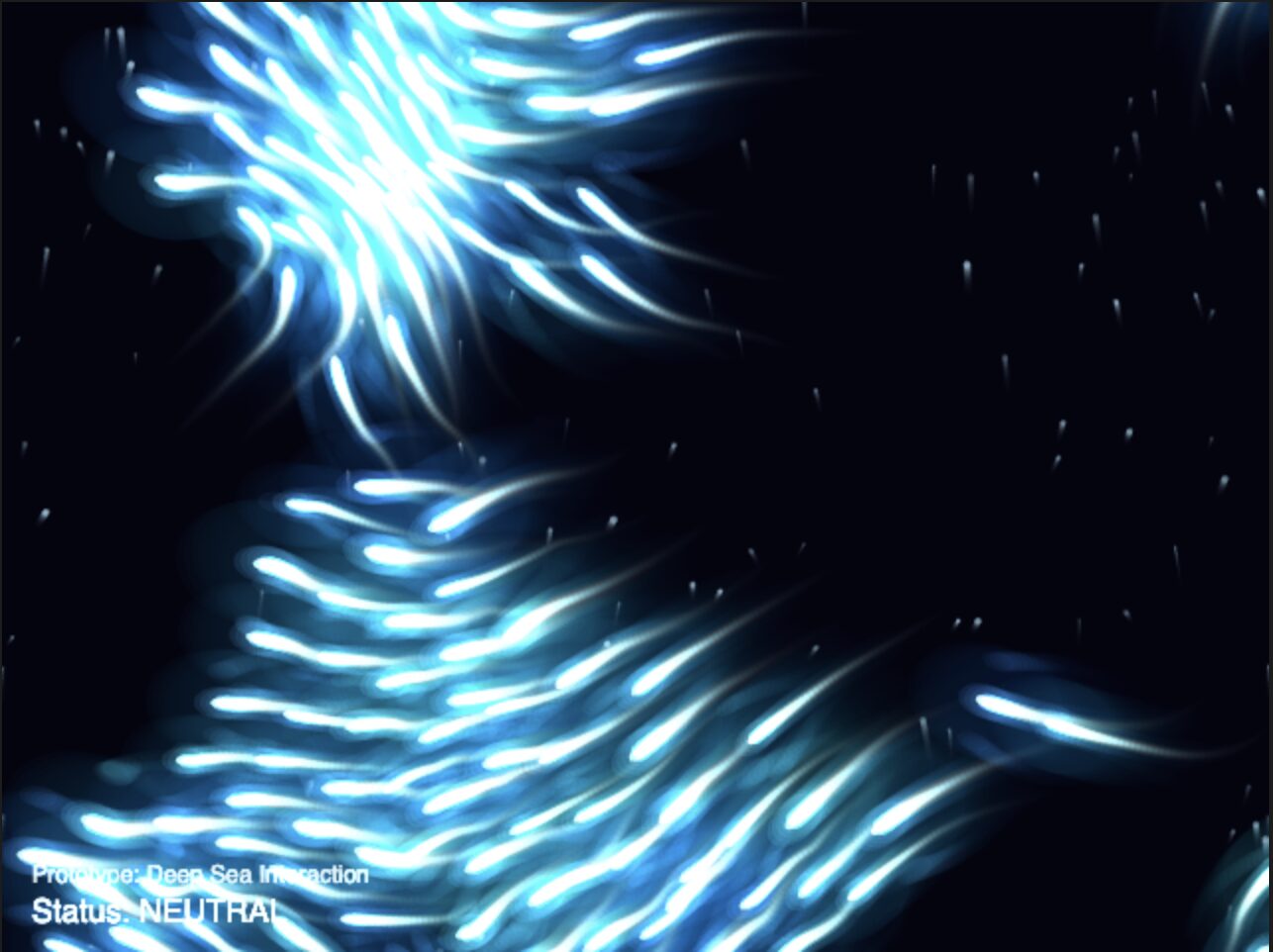
i.e. Adding tails
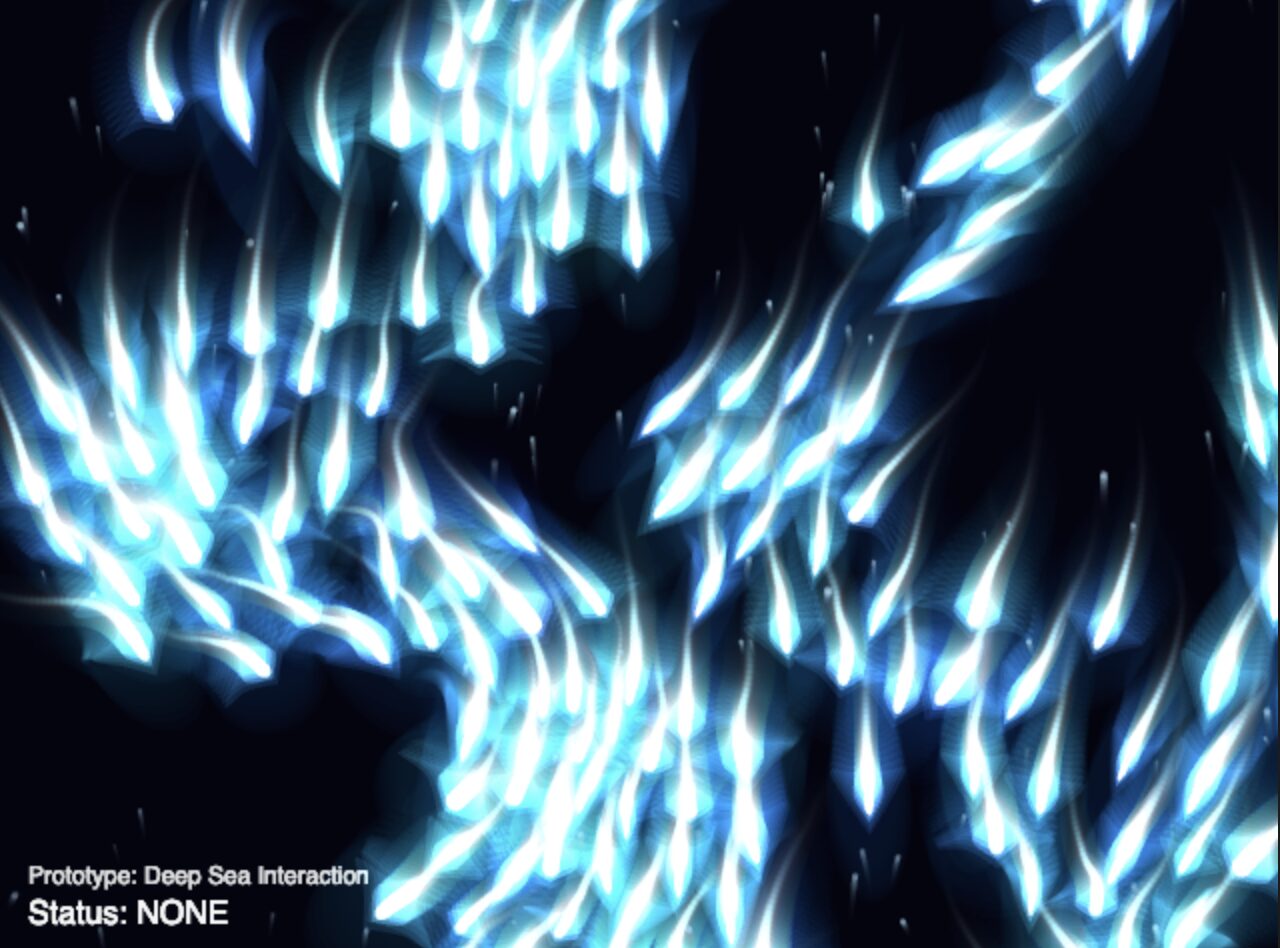
i.e Updating visuals from simple circles to more detailed shapes and fins
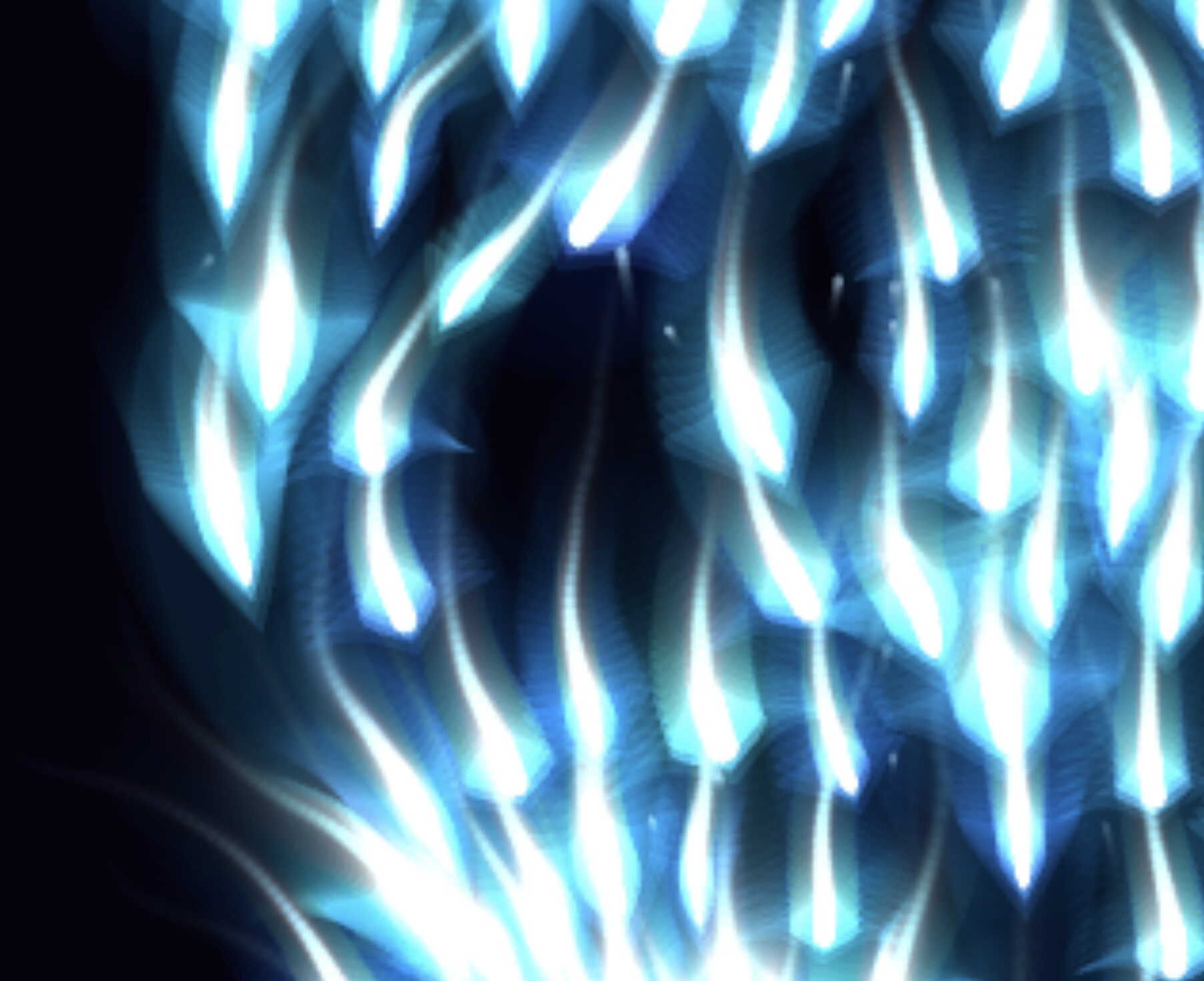
- Fake 3D: I also introduced a
zmultiplier. Boids and newly added marine snow particles are assigned a random depth value. Thiszvalue scales their size, speed, and opacity. By sorting the arrays (flock.sort((a, b) => a.z - b.z)), the background elements draw first, creating a beautiful parallax effect. You can see the different sizes reflected in the updated visual:
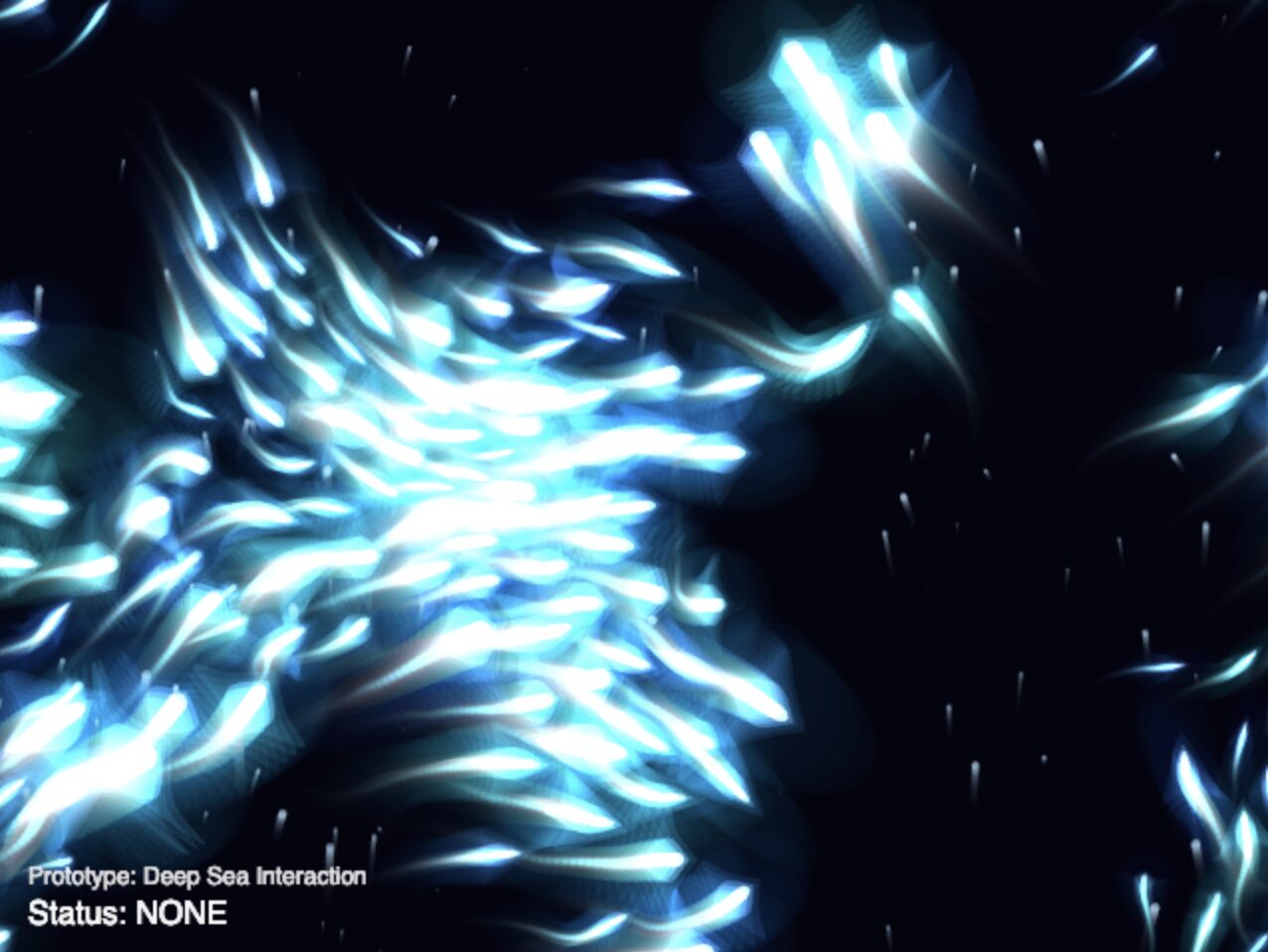
Phase 3: Deepening the Interaction (Pointing & Audio Input)
To make the environment feel truly responsive, I expanded the inputs beyond simple hand shapes.
-
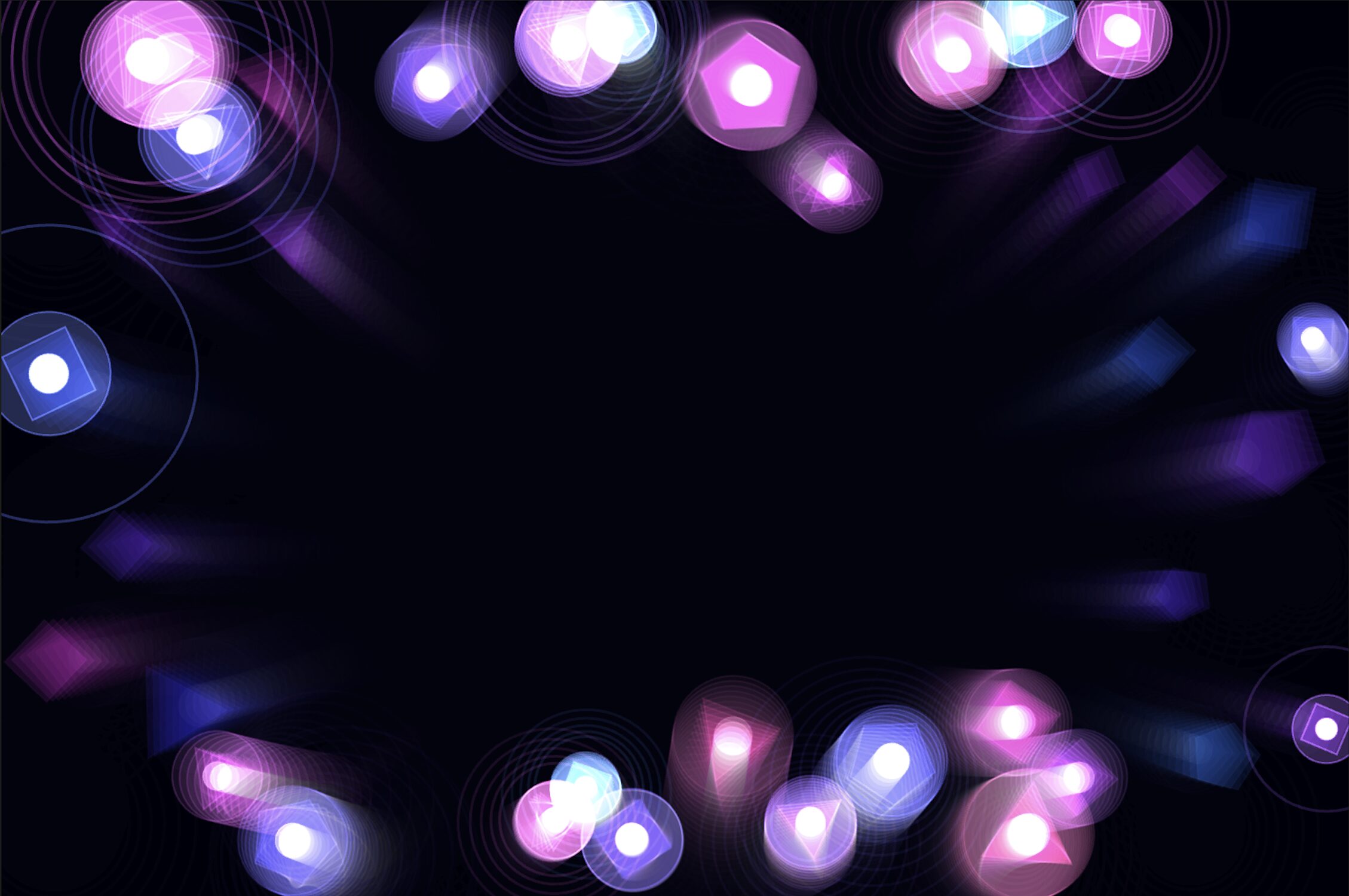
Pointing Logic: I added a specific pose check: if the index finger is extended but the others are curled, the system calculates a 2D vector from the knuckle to the fingertip. The boids now blast away in the exact direction you point. To differentiate it, they change colors depending on their behavior.
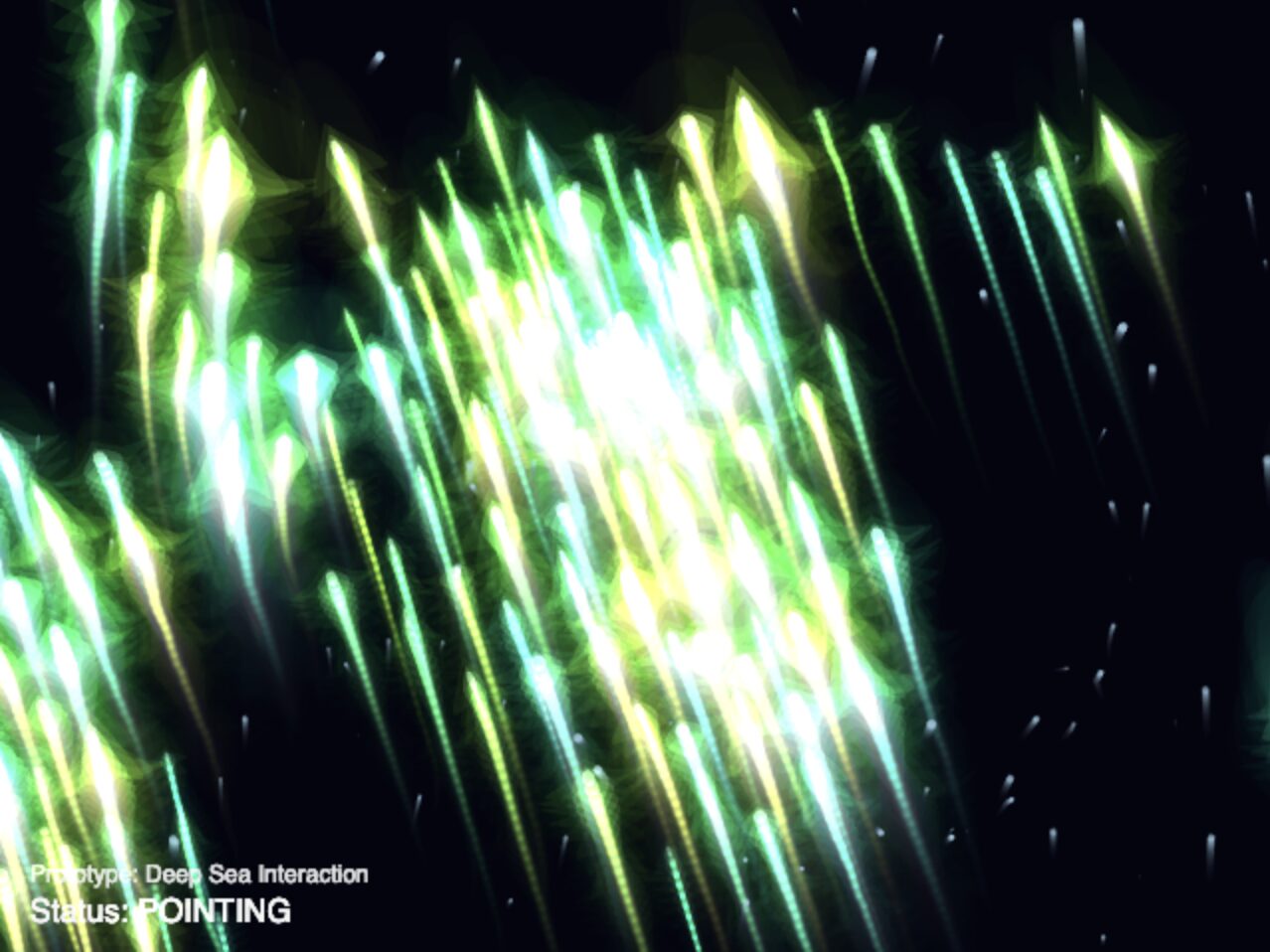
-
Microphone Input: Deep sea creatures are sensitive to vibrations. I integrated
p5.AudioIn()so that sudden loud noises (like clapping) trigger a sonar “ping”, lighting up the boids and playing a muffled heartbeat sound.
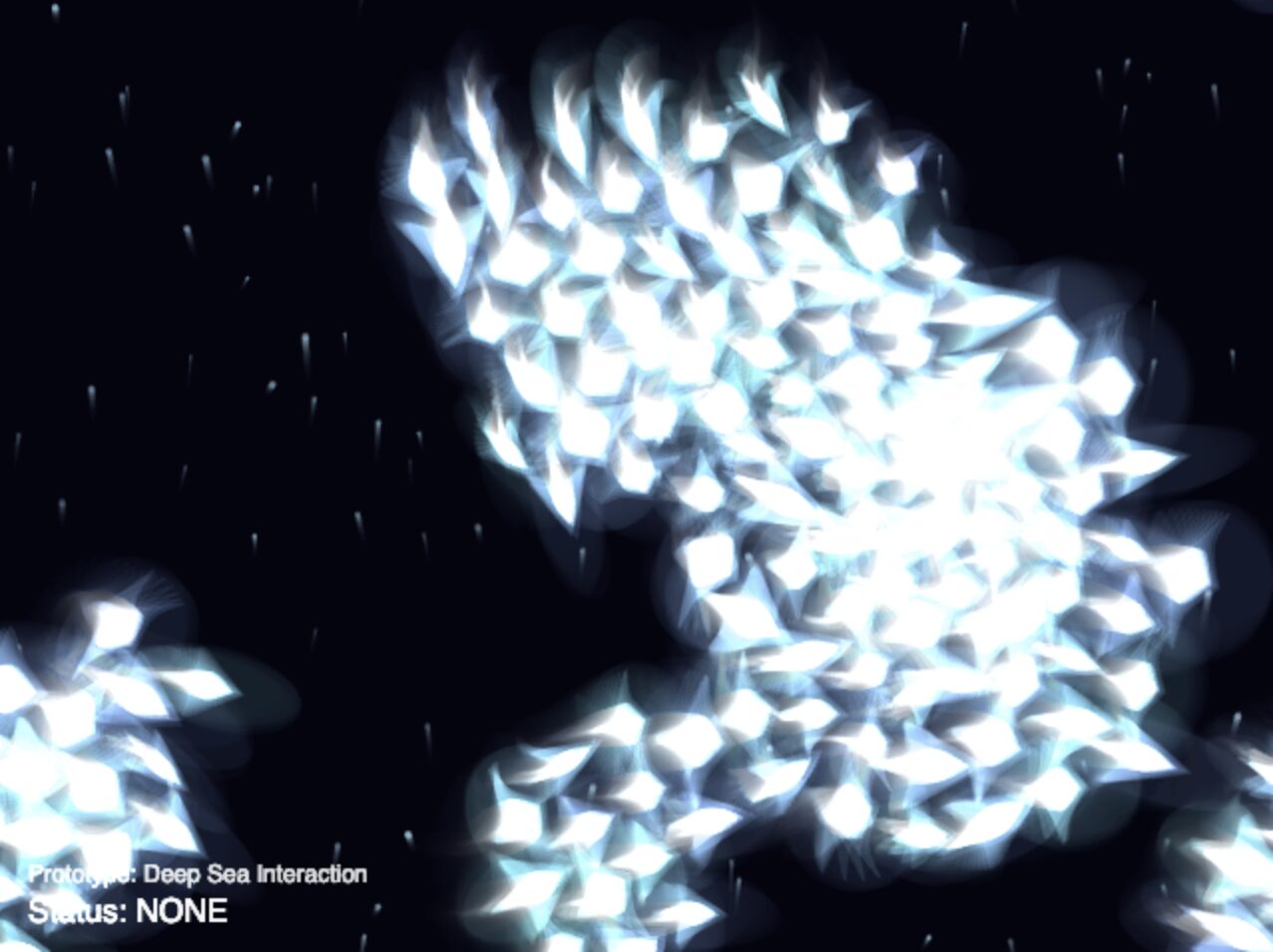
Phase 4: The Emotional Engine
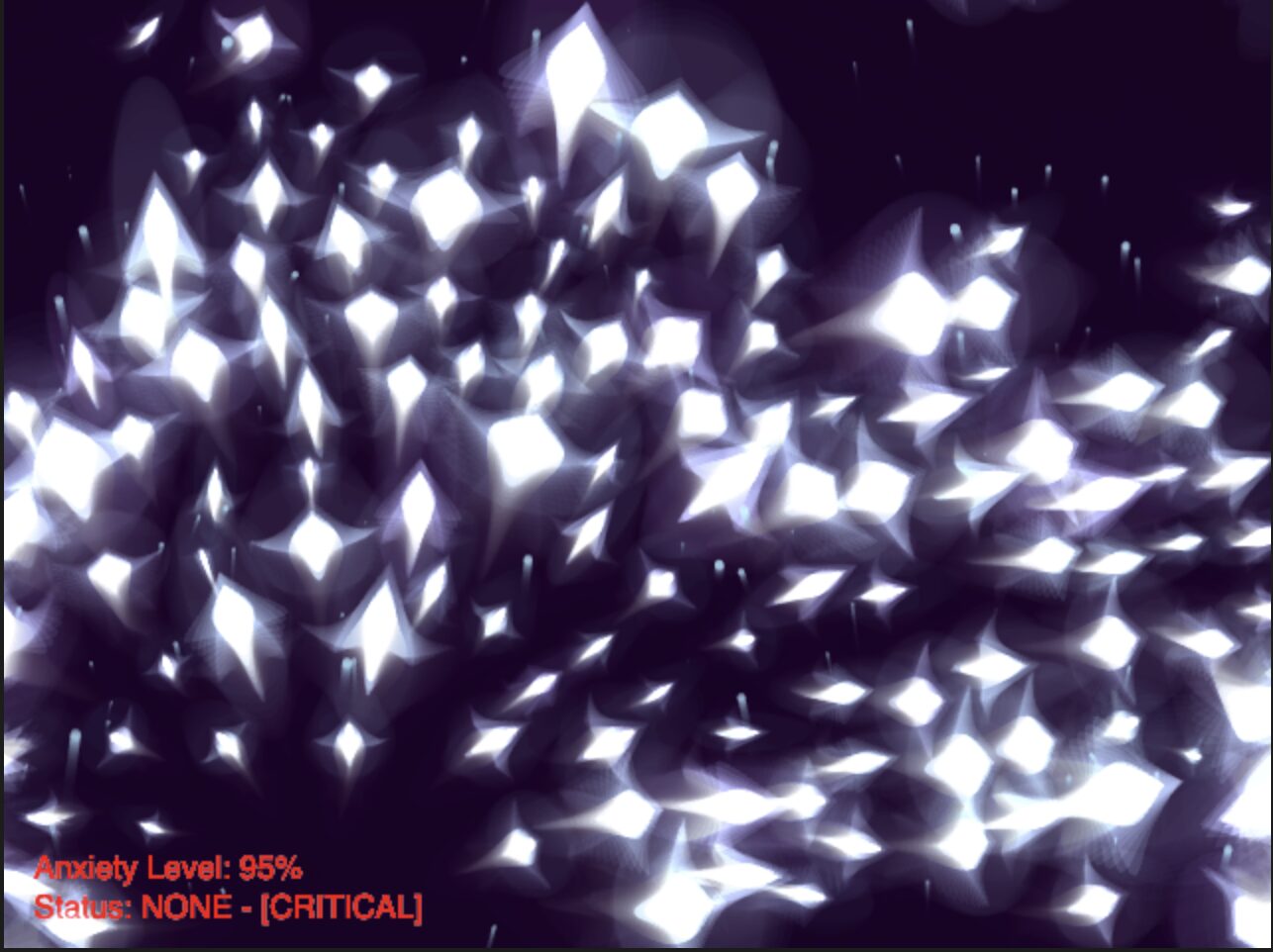
The final layer was adding “Anxiety.” I introduced an anxietyLevel variable (from 0.0 to 1.0) that acts as the emotional memory of the ecosystem.
-
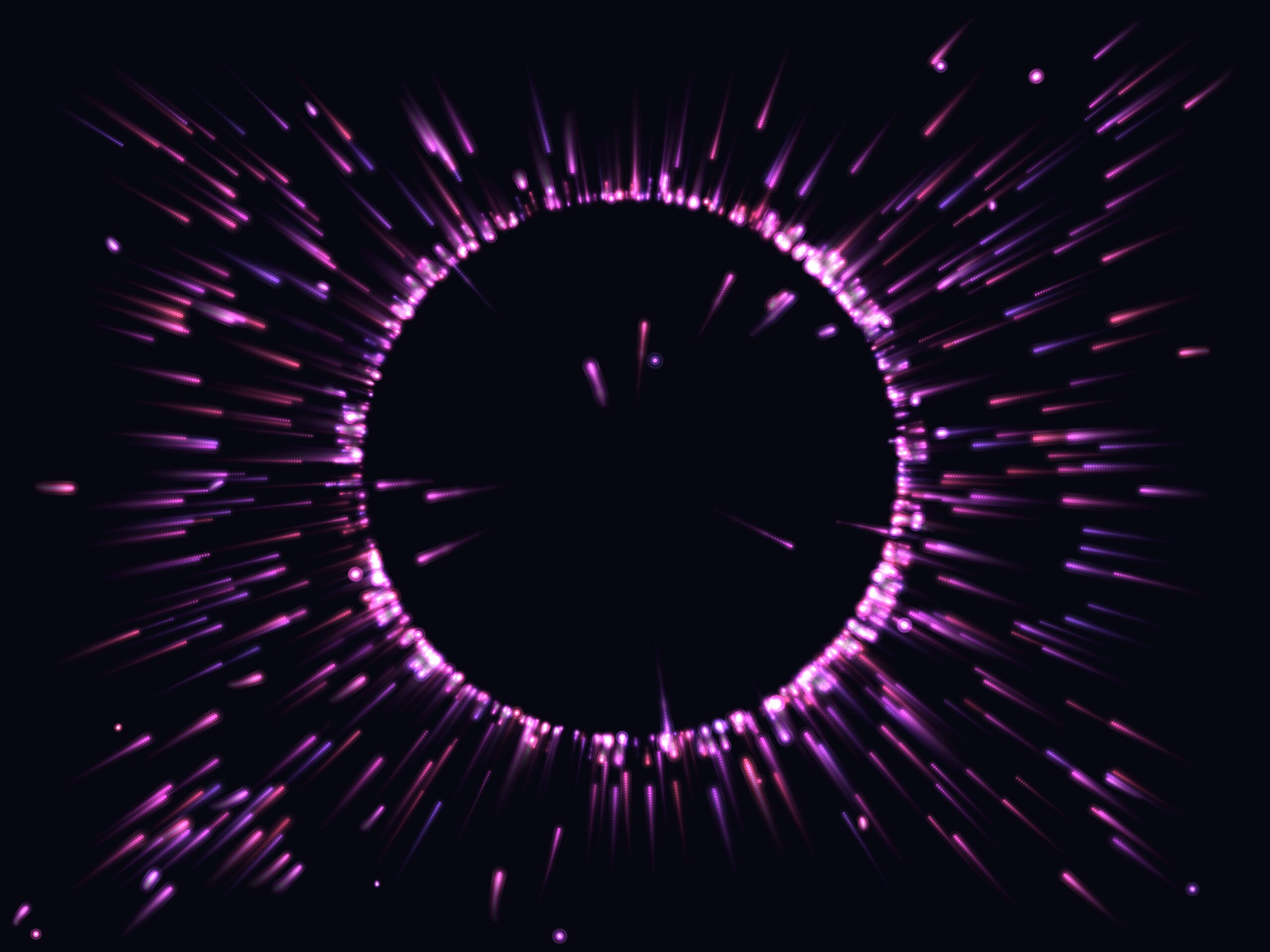
Building Tension: Clapping spikes the anxiety. As anxiety rises, the environment shifts drastically. The water color transitions from a calm deep blue to a chaotic, flickering violet/red. The boids lose their cohesion and dart around frantically.
-
Active Soothing: If the user moves their hand very slowly (
distMoved < 1.5) and holds a gentle pose, astillnessTimeractivates, slowly bringing the anxiety back down, actively soothing the ecosystem. You can see them slowing down as you calm them down. -
Immersive Audio: I layered multiple audio tracks to cement the mood. An ambient underwater rumble plays constantly. Transitioning to a FIST triggers a mysterious pulsing loop, while snapping to an OPEN hand fires off a visual shockwave and an underwater explosion sound. I really think the audio experience adds a lot to the overall feel and immersion of the interactions.
Phase 5: UI
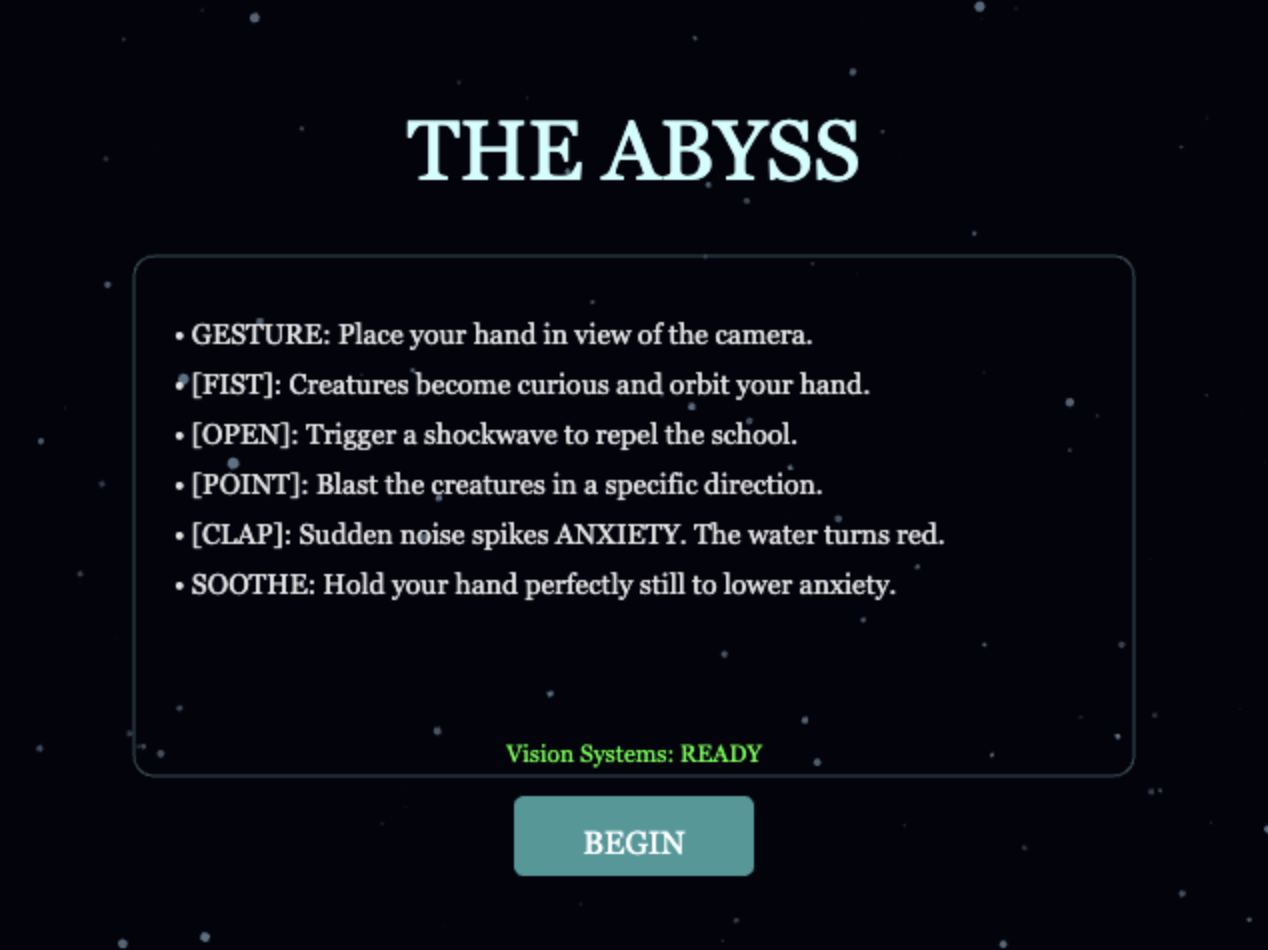
Finally, on hearing some feedback during the presentation, I added some UI to guide the user on the experience through a landing screen with instructions. I used Gemini to help with the UI as I did not want to bother with centering the text and styling boxes and whatnot (sue me).
Reflection & Future Improvements
The transition from a sterile particle system to a breathing, emotional ecosystem was incredibly rewarding. The inclusion of the anxietyLevel variable fundamentally changed the user experience. Instead of just “using” the sketch, users must actively consider their physical presence—moving too fast or making loud noises disrupts the environment, requiring physical stillness to repair it.
Future Improvements:
-
Performance Optimization: Currently, the boids use nested loops to check distances for flocking ($O(N^2)$ complexity). Implementing a Spatial Hash Grid or Quadtree would allow for hundreds more boids without dropping the framerate.
-
Complex Gestures: Integrating a more robust gesture recognition system to replace my simple distance-based heuristics (perhaps a trained neural net just for specific hand symbols).
References
-
Libraries: p5.js, p5.sound, and ml5.js (Handpose).
-
Algorithms: Craig Reynolds’ Boids (Flocking Simulation) and Afra’s Assignment 9 sketch for the orbiting logic.
-
Audio Assets: All sound effects were sourced from pixbay.com.
-
AI Disclosure: Large Language Models were used during the development process to assist in debugging scope issues (lagging, which I realized later was an ml5.js issue as debugging boid performance didn’t help), optimizing the audio filter logic, brainstorming the vector math for the pointing and other hand gestures, and UI. Also used for help with documentation.