
Concept
For Assignment 3 I wanted to create formations with planets and stars but in 3D. However, I wanted to make only formations that wouldn’t be possible in real life. For example planets phasing through each other. Multiple stars nearby that aren’t attracted to each other etc.
Other than in our last class I never used WEBGL before that and never made 3D shapes before. That for me I felt was going to be the biggest challenge.
I was first inspired to create a 3D sketch when I saw Mustafa’s sketch for Assignment 1
https://decodingnature.nyuadim.com/2026/01/25/mustafa-bakir-assignment-1-qu4nt0m-w4lk/
Before that I had made a sketch using matter.js and added the gravity forces myself and made a similar gravity simulation in a formation that wouldn’t be possible in real life but I was limited to 2 dimensions.
Embedded Sketch
Click, drag, and use the scroll wheel to view from all angles. Or, view the sketch from the p5 website and press F to go fullscreen (Your browser might block the full screen feature unfortunately)
Code Highlight
function keyPressed() {
 if (key === "f" || key === "F") {
   let fs = fullscreen();
   fullscreen(!fs);
   // Wait for fullscreen change before resizing canvas
   setTimeout(() => {
     resizeCanvas(windowWidth, windowHeight);
   }, 100);
 }
}
It may seem insignificant but put simply this might be the only part of my code that I could see myself using in all of my other projects.
By pressing f on your keyboard it goes into fullscreen and with the setTimeout function the canvas resizes to fit the window without resetting the simulation and only after the screen has entered fullscreen. This makes for a fairly smooth transition and I will definitely be copy pasting this into my other projects. I always like to use createCanvas(windowWidth, windowHeight) but when embedding the sketch its hard for most people to appreciate it unless I make the embedded sketch fit the width or height of the blog post.
First Sphere
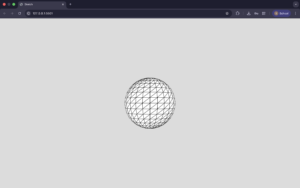
Added some colors as well that change with the frameCount and a sin function.
push();
 colorMode(HSB);
 s = sin(frameCount * 0.01)
 console.log(s)
 s = map(s, -1, 1, 0, 360)
 fill(s, 100, 100)
 sphere(120)
 pop();
https://p5js.org/examples/3d-geometries/
Second Sphere (two colors but no movement yet)
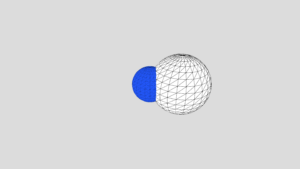
Made the array but no movement yet
Second sphere moving + orbitControl()
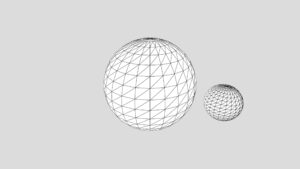
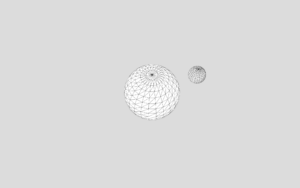
orbitControl() function does all the work for me. Can click and drag the mouse to view the simulation from the
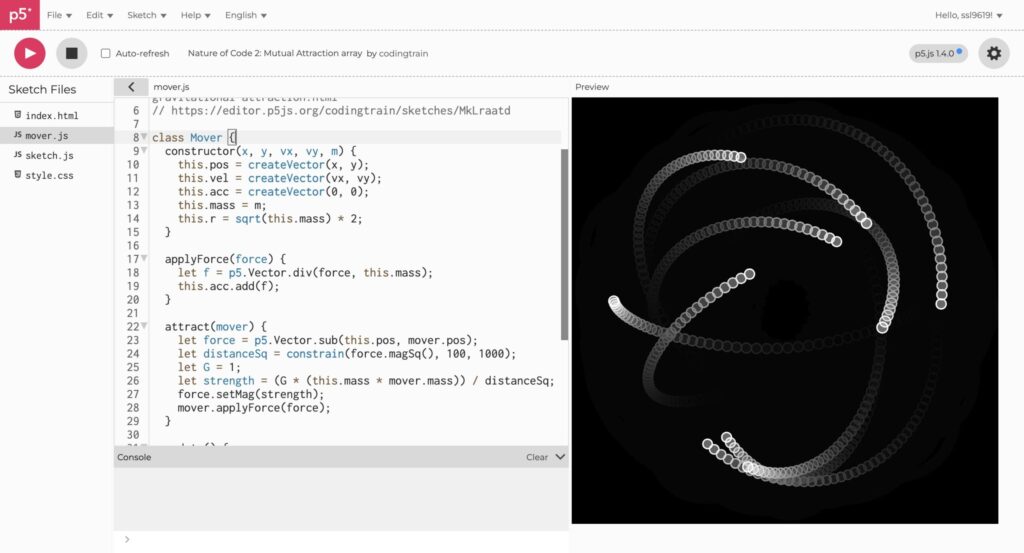
Modified the original movers class. Took the one from the references page of the nature of code and added the z dimension. (Below is the original movers page which I modified)
Point Light (something went wrong)
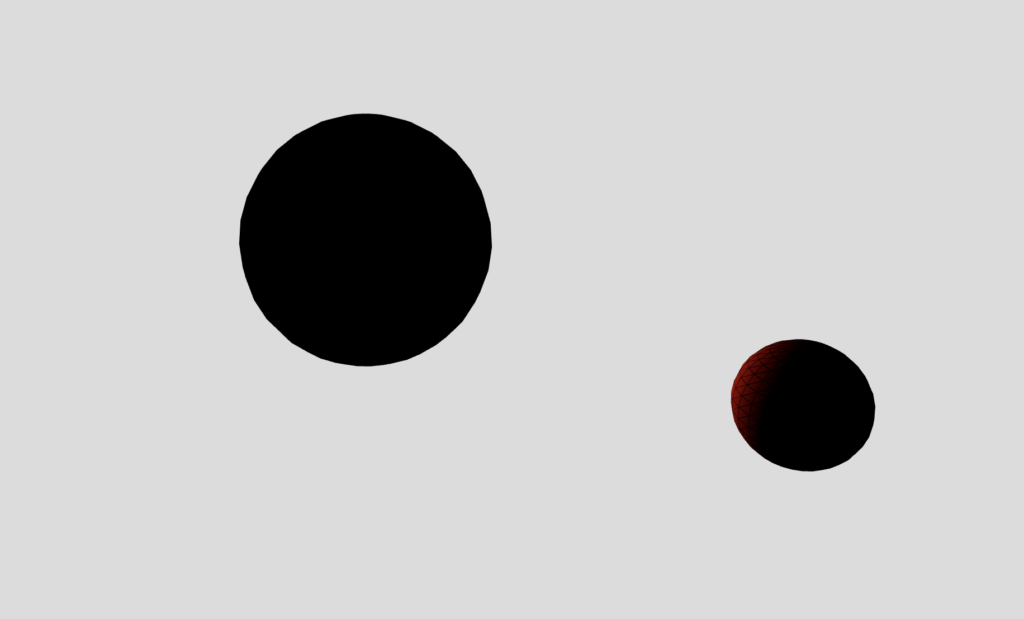
Found the point light function on the references page just added it but for some reason the star was black
pointLight(
 255, 0, 0, // color
 40, -40, 0 // position
);
Point Light (fixed)
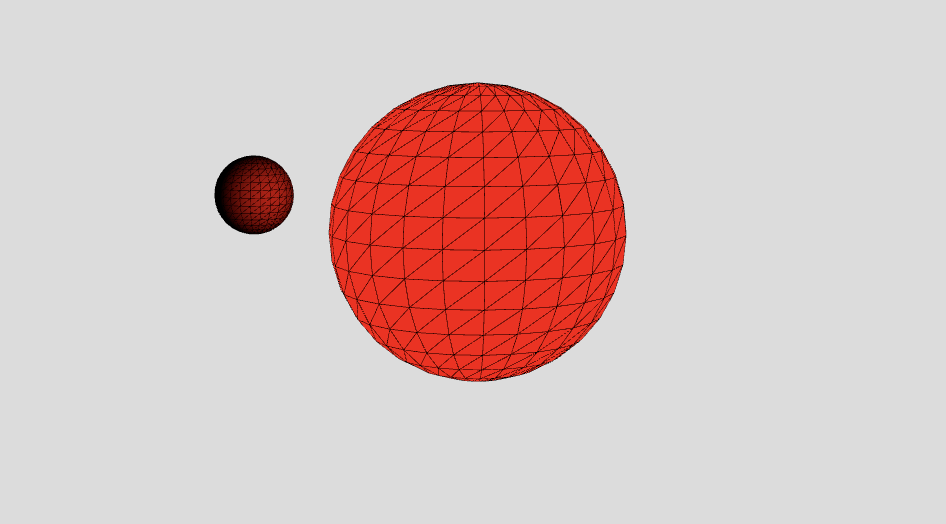
I adjusted the x,y,z position of the point light to be at the center and then added noLights() to the central star and wrote fill(255, 0, 0) so that it wouldn’t be all black and instead would be red as intended
Two Stars and central planet
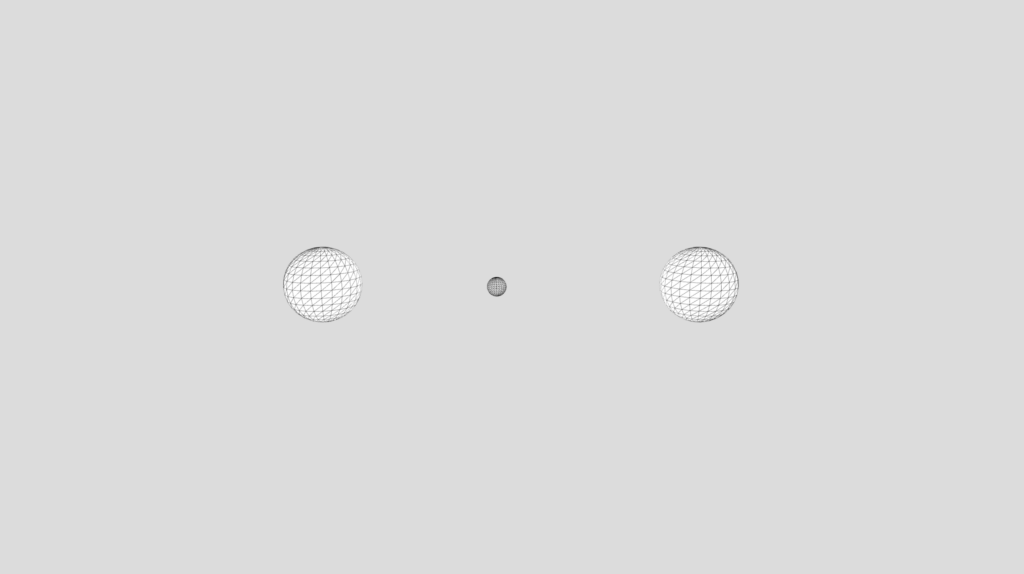
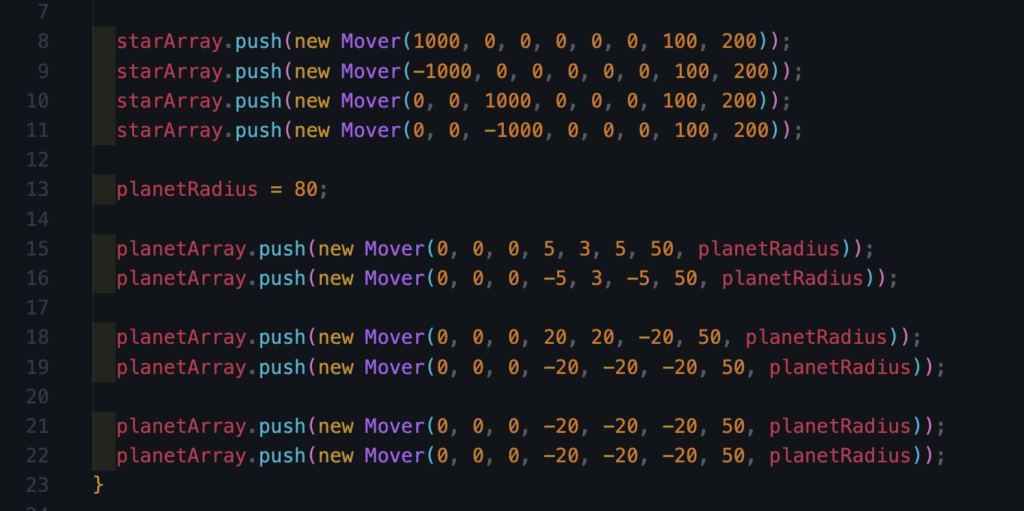
Now made two arrays one for what I called stars and one for what I’m calling planets. They are the same class however for one I don’t call upon the attract function whereas for the other I do and for that reason I made two seperate arrays.
const starArray = [];
const planetArray = [];
Then just made a lot of tweaks and got to the end product
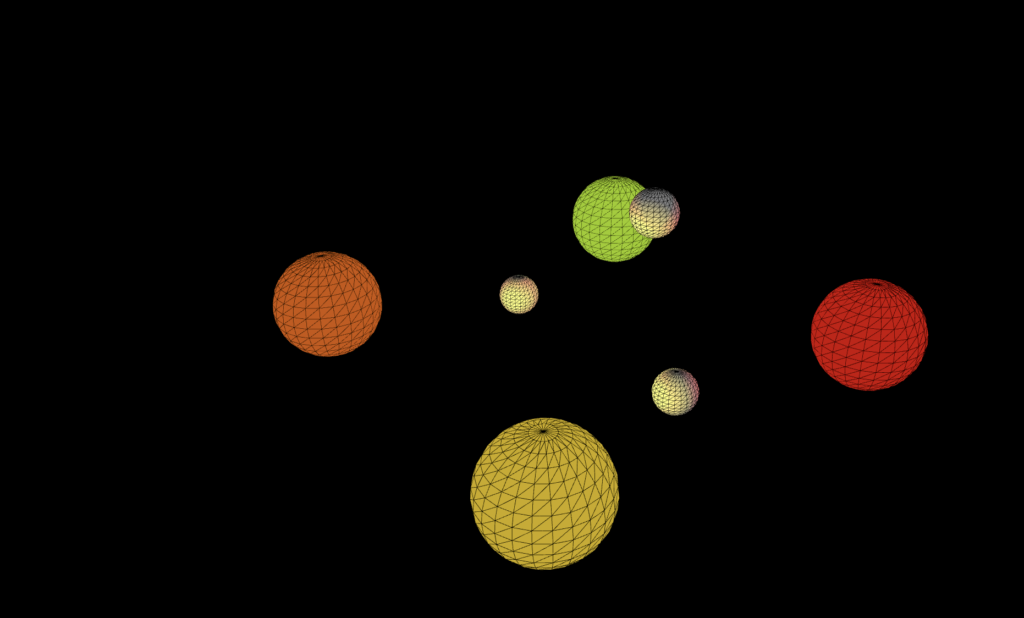
In the setup function:
Reflection and Room for Improvement
Out of all the assignments I’ve done up to this point I’ve enjoyed this the most. Other than in our last class when I never touched WEBGL before. I also found it intimidating to make 3D until I started where I found it was far more simple than I thought it would be.
I had got very used to there being points of frustration during the process (especially debugging) but whenever I had a problem I went back to the documentation and found it easy to follow and understand.
I also loved that 0,0,0 is the center now instead of being in the top left corner of the screen.
If I choose to go back to this project I would add a couple more features:
- Trails behind each planet
- Each time you refresh you get a different arrangement (maybe one’s that I’ve created ahead of time and maybe some random ones)
- Being able to modify the planets and stars position ahead of time then starting or resetting the simulation