Assignment 4

Concept

For this assignment, I wanted to explore how Simple Harmonic Motion can be used to recreate organic environments. I took inspiration from Memo Akten, specifically his ability to take rigid mathematical oscillations and turn them into fluid, life-like movements.

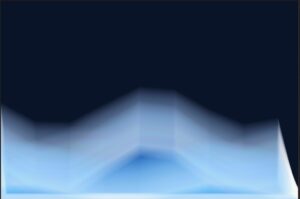
My goal was to create a painterly ocean. Instead of perfectly smooth curves, I wanted broken lines that feel like the faceted surface of water at night. To tie it all together, I added a breathing moon and a star field, creating a cohesive, glowing atmosphere.

Sketch

Process

I started by creating a Wave class that uses the sine function. At first, the waves were just single lines. The challenge here was getting the “broken” look; I achieved this by using a large xStep in my loop, which created sharp angles between my vertices instead of a smooth curve.

Inspired by a sample sketch from class that used overlapping circles to create a glow, I decided to apply a similar logic to my waves. I implemented a nested loop that draws each wave 30 times per frame. Each layer has a slightly larger strokeWeight and a very low alpha value. This additive layering is what gives the water its ghost-like, ethereal quality.

A major technical hurdle was a gap on the right side of my canvas. Because my xStep didn’t always land perfectly on the edge of the screen (600px), the shape would “break” and draw a straight line back to the start.

I fixed this by manually adding a final vertex at exactly width before closing the shape, ensuring the glow stayed consistent across the whole viewport.

Finally, I added a star field and a glowing moon. The moon uses the same SHM logic as the waves. Its outer glow pulses using a sin() function, making it look like it’s breathing or shining through a thin layer of haze.

Highlight

I am particularly proud of the Layered Glow Logic. It’s a simple loop, but it completely transforms the sketch from a flat math diagram into a piece of digital art. By jittering the y position slightly with i * 2, the glow “spreads” naturally.

// Layering loop for the glow effect
for (let i = 0; i < 30; i++) {
  stroke(255, 10); 
  strokeWeight(0.5 + i * 0.8); // Thickens the stroke for outer "blur"
  
  let glowCol = color(red(this.col), green(this.col), blue(this.col), 15);
  fill(glowCol);
  
  beginShape();
  // ... vertex calculations ...
  let y = (this.yOffset + i * 2) + sin(currentAngle) * this.amplitude;
  vertex(x, y);
  // ... 
  endShape(CLOSE);
}

Reflection and Future Ideas

This project taught me that nature in code doesn’t have to be random. By using pure trigonometry, I was able to simulate the rhythm of the ocean.

Future Ideas:

  • Perlin Noise Integration: I’d like to use noise to vary the amplitude so that “rogue waves” occasionally swell up.

  • Interactive Tides: Mapping the mouse position to the frequency of the waves, so moving the mouse makes the ocean “choppier.”

  • Twinkling Stars: Using a unique sine wave for every star so they shimmer at different frequencies.

Assignment 3

Concept:

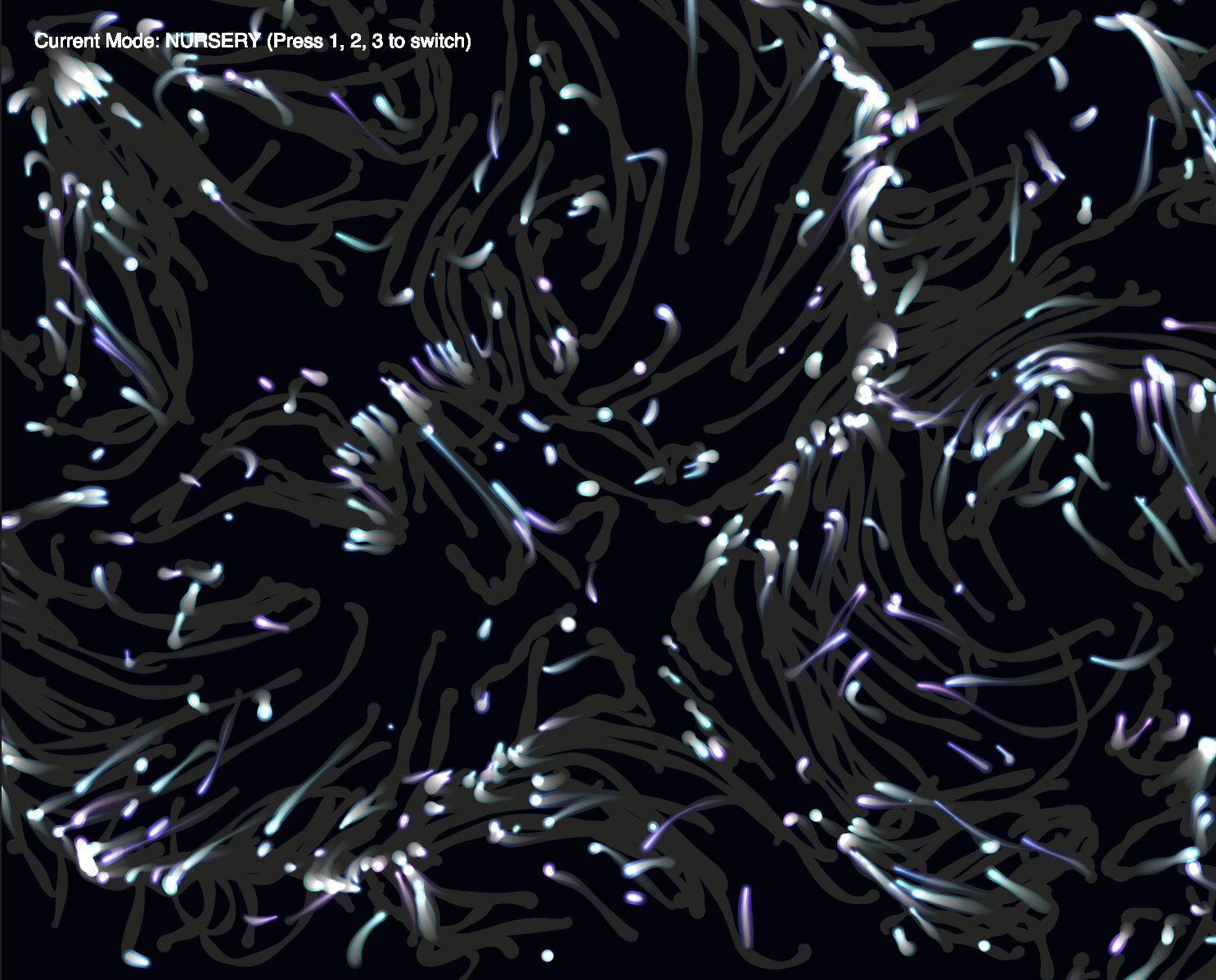
Inspired by the painterly textures of schools of fish avoiding predators like sharks and the concept of “Mutual Attraction” from the Nature of Code, I developed a sketch imitating what you would see if you observed predators and prey in the ocean. My goal was to move away from literal physics simulations and create something that looks – well – cool. The sketch features a shimmering school of prey (teal brushstrokes) and a few large predators (dark purple shadows). The entire system is governed by mutual influence, where every body pulls on every other body, creating a complex, swirling choreography.

In this ecosystem, the movement is defined by a specific hierarchy of forces. The Prey are mutually attracted to one another to create a “schooling” effect, while Predators are naturally drawn toward the prey. To simulate life-like behavior, I flipped the gravitational pull into a strong repulsion whenever a predator gets too close to a prey object, causing the school to scatter in fear. Finally, I added territorial repulsion between the predators themselves; this ensures they don’t clump into a single mass and instead spread out to hunt across the infinite wrapping canvas (more on this later).

Sketch:

Highlight:

I’m particularly proud of how I used Mass to influence the Visual Design. Instead of just drawing a circle, the mass of the object dictates the strokeWeight of the brushstroke, and its velocity dictates the direction and length of the “paint” line:

show() {
  push();
  // Mass determines the thickness of the brush
  strokeWeight(this.mass / 2); 
  
  // Velocity determines the direction and length of the stroke
  let p = this.position;
  let v = this.velocity.copy().mult(4); 
  line(p.x, p.y, p.x + v.x, p.y + v.y);
  pop();
}

Process and Challenges:

I started by creating 100 small “Prey” objects with mutual attraction. This created a beautiful, tight-knit shimmering school.

Then, I introduced “Predators” with higher mass. Initially, they just drifted. I had to implement a Fear rule where the attraction force was multiplied by a negative number if the interaction was between a predator and a prey.

I then experimented with how the creatures should leave the canvas. I settled on Screen Wrapping, as it allowed the painterly trails to feel continuous and infinite, rather than being interrupted by a wall.

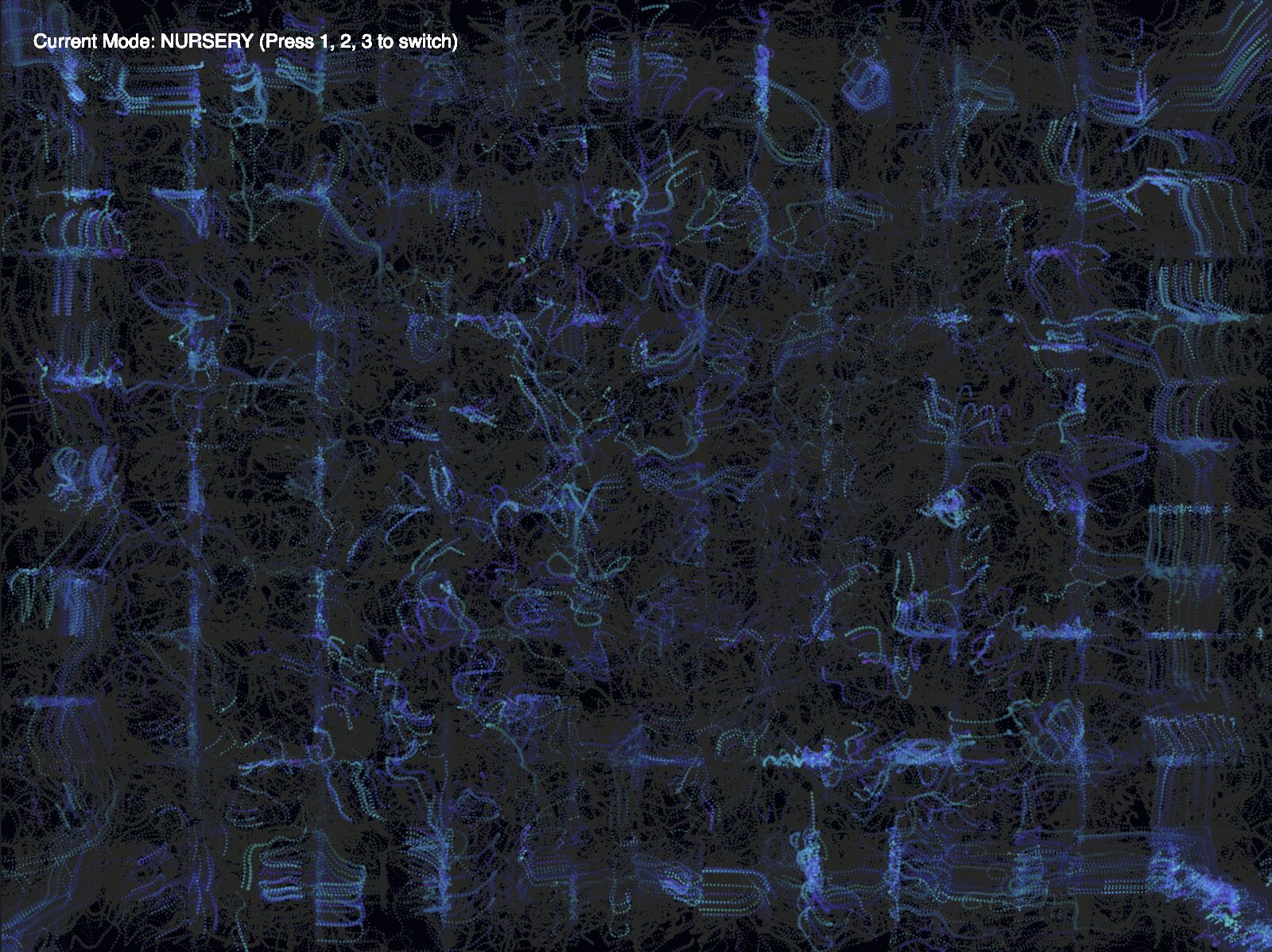
A major hurdle was that the predators would eventually find each other and merge into one giant dark smudge. Because they were heavy, their mutual attraction was too strong to break. I solved this by adding a rule that specifically makes predators repel each other while still being attracted to the prey. You can see how they clumped together in this recording:

Reflection:

In the reading from The Computational Beauty of Nature, Gary William Flake discusses reductionism, the idea that systems can be understood by their individual parts. By defining just three simple rules (Attract, Scare, Repel), a complex eco-system emerged on my screen. For future work, I want to explore Oscillation. I would love to make the fish shimmer or vibrate as they move, mimicking the way light reflects off fish scales in deep water. I could also address the clumping problem in the prey which becomes apparent if you hold them together with the mouse for a while. But that’s a fix for another day.

Sun Bleached Flies – Assignment 2

Concept

Inspired by the swarming, atmospheric soundscapes of Ethel Cain’s Preacher’s Daughter, I wanted to recreate the jittery and unsettling movement of flies in nature.

Rather than just having objects fly randomly around the screen, I wanted to simulate the urge of a fly to either be stationary on the ground or burst into a manic, erratic flight. I focused on manipulating acceleration to distinguish between these two states: the heavy pull of landing and the weightless jitter of flying in the air.

Sketch

Highlight

I’m particularly proud of the state-switching logic within the update() function. It allows the fly to exist in two completely different physical modes (perched vs. flying) and uses a conditional check to ensure that the transition to landing only happens when the fly is actually descending toward the ground:

// Only force landing if they are below the line AND moving downwards
if (this.isFlying && this.pos.y >= height - 20 && this.vel.y > 0) {
  this.isFlying = false;
}

This bit of logic was crucial because it prevents the flies from accidentally tripping over the ground while they are trying to take off.

Reflection

Initially, the flies were ghosting through the floor. Even though I had a ground line, they would keep flying below it because their state was still set to “flying.” When I first tried to fix the ground collision, the flies became permanently stuck. Because they started on the ground, the force landing rule triggered at the exact same time as the take off urge, pinning them to the floor. I solved this by adding a grace rule: the ground check only applies if the fly is moving downwards (vel.y > 0). This finally allowed them to pop off the floor and enter their erratic flying state properly.

This assignment made me think back to the Flake reading about how simple rules create complex behaviors. By just giving the flies a 1% chance to change their mind, the screen starts to look like a living swarm. In the future, I want to replace the black circles with a PNG of a fly and potentially add a buzzing sound (like what you can faintly hear in the song “Family Tree“) that increases in volume or pitch based on the magnitude of the fly’s acceleration.

I’d also like to try making them avoid the mouse, simulating a swatting reaction using repulsive forces.

Assignment 1

Concept

For the first assignment, I decided to make a random walker using the Levy Flight algorithm. Additionally, I tweaked the motion so that the walker has a small chance of making a huge leap instead of always making small leaps, just to make it a bit different. It reminds me of how fast moving objects seem to us (such as how the Flash or Quicksilver seem to move in movies). I also mapped movement to scale, where the distance of the jump determines the thickness of the walker’s line and the size of the line’s head. Just to make it visually more appealing, I also decided to change the color of the head based on where it is on the sketch, such that it creates a nice looking color gradient.

Sketch:

Highlight

Even though it’s pretty simple, I was proud of how I decided between small and big leaps using a probability threshold. Here is the code:

let r = random(1);
if (r < 0.05) {
  step.mult(random(25, 100)); // Big leap 5% of the times
} else {
  step.mult(2); // Small leap otherwise
}

Reflection (Milestones, Challenges, Ideas)

An important milestone was successfully implementing the map() function to link two different mediums: spatial distance and visual scale. One challenge was figuring out the right reset interaction, before I settled on simply using a mouse click to leave it up to the viewer.

This sketch could be expanded on by maybe only changing the head’s color when a big leap is made, to signify the walker moving into a new “environment”, like stages of its life, or seasons of a show. It could also be made more visually appealing, but I’m not your guy for that (not yet, at least).


Reading Reflection – Week 1

Flake’s argument that nature is “frugal” and reuses the same simple rules for everything feels like a massive leap for us to make as a species. While he uses examples like the self-similarity in snowflakes and ferns to show how simple rules create complexity , I think we’re still too early in our development to claim we’ve figured out nature’s “program.” Now I’m not a hard science expert, but I find it hard to buy into his bold claim that nothing in nature stands above computational processes. We’re constantly discovering new things that break our old rules, and it feels a bit arrogant to assume that just because we’ve invented math and physics that can simulate a duck or an ant colony, we’ve actually decoded the fundamental “code” of the universe.

I also have a hard time with Flake’s “Silicon Laboratory” metaphor, mostly because it feels like it strips away the actual weight of being human. He talks about how groups like ant colonies or gazelle species find “solutions” through multiplicity , and while it’s true that human societies developed faster when we started sharing knowledge, being part of a group isn’t always a perfect “computational” win. In real life, groups can lead to things like mob violence or, on a completely different coin, the deep grief of losing someone – emotional experiences that a computer simulation could never truly capture. Flake seems biased by his computer science background, seeing the world as a series of number mappings. It makes me wonder, if we reduce everything to simple rules, do we lose the ability to understand things like yearning or heartbreak that don’t follow a logic-based script?