
Concept
When looking through the teamLab installations the one I found the most visually striking was the Koi fish installation:
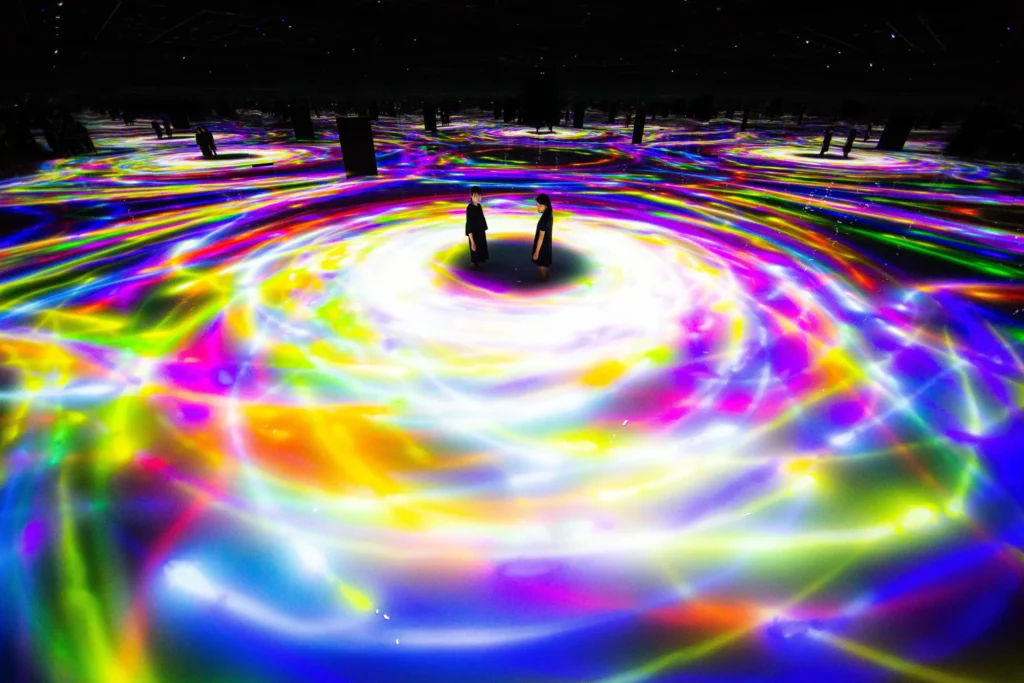
I unfortunately wasn’t able to attend the trip to teamLab but regardless I found this image from which I took inspiration.
Milestones
Unfortunately because of the dark background it is hard to see some of the smaller details I’m referring to but it should be possible to see.
Stage 1
Although this step is fairly basic in my opinion it is still worth mentioning. At the very beginning I made the canvas render using WEBGL and added orbitcontrol() this would be useful for all of the following steps.
Stage 2 – Koi Fish (Random Motion)
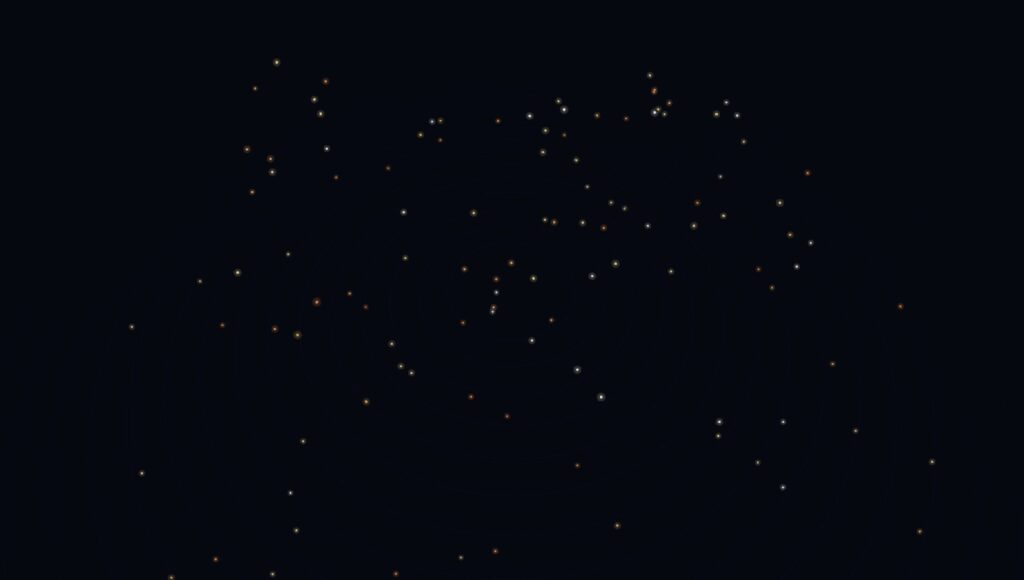
At this point I created the Koi fish class. It’s called Koi but really the logic is like the vehicles we discussed in class. At this point in time the motion was fairly random but later the motion would become more fluid and they would travel in flocks using boid logic.
I thought about using more intricate fish models rather than simple dots and trails but I felt that strayed too far from the original installation since I didn’t get the impression that it was about the aesthetics of the fish but rather the movement and colors.
Stage 3 – Trails + Boid Movement
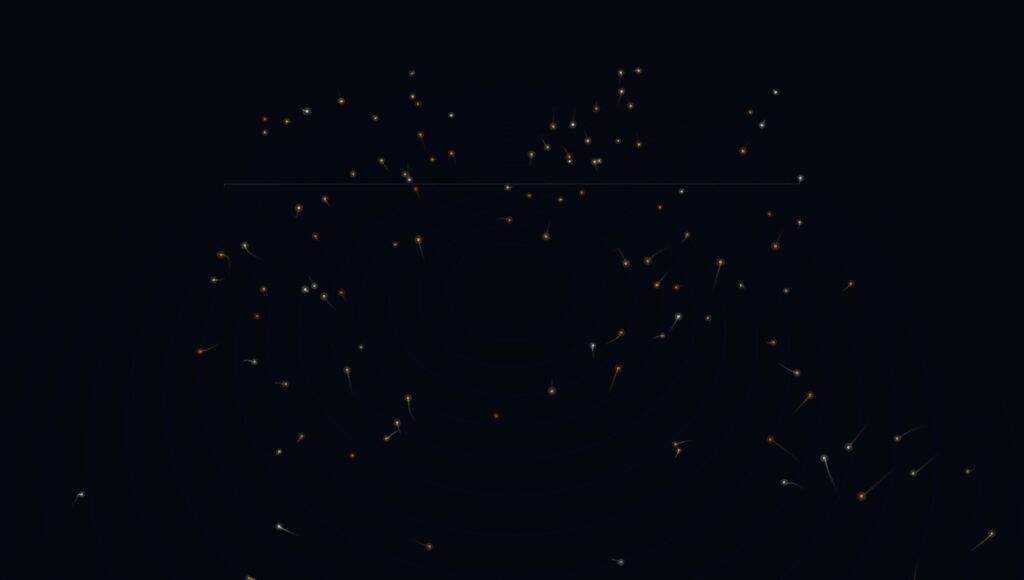
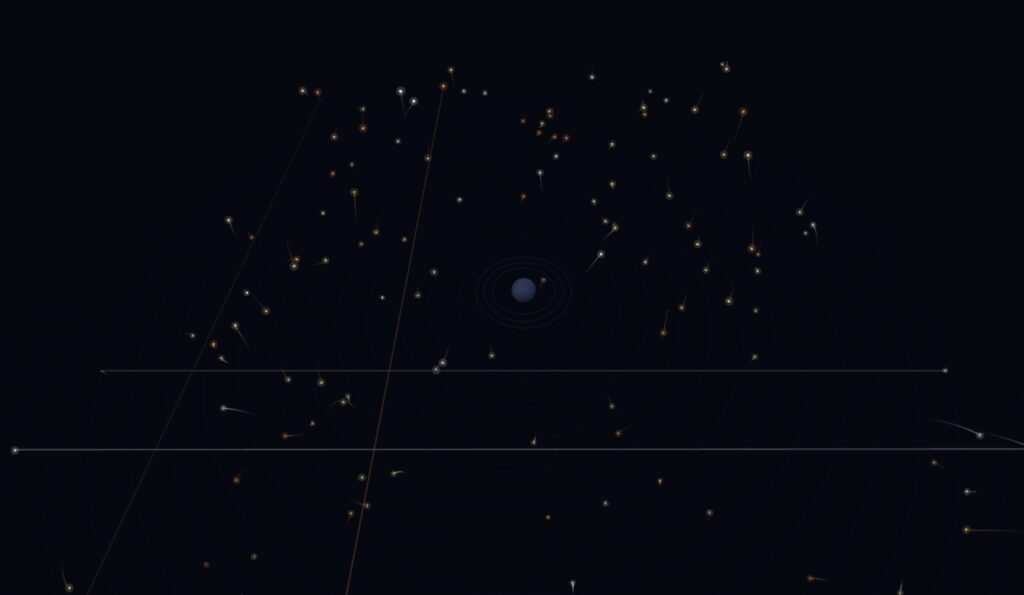
Now each ‘fish’ had a trail to make it’s movement more apparent. This also came with a surprising feature. To make sure that the fish would not go too far I had it so that at a certain distance it would return back to the opposite side but this had an unintended effect of this line that would go across the canvas (one can be seen at the back). I liked the look of it so I decided to keep it.
Boid movement refers to movement that replicates the movement of birds. Although it would normally be used to simulate birds moving in flocks I decided it could work in this sketch since I wanted them to move in flocks. In this screenshot the cohesion was set to a lower value but I would later try out different settings.
Stage 4 – 3D Player + Light Interaction + Avoidance
Afterwards I decided to add the ‘player’. In the original picture there are two people and I’m unsure how the fish act around the two people whether they follow them or always circle them but I decided to do something similar by having the fish avoid the player. In addition the color from the fish would illuminate the player accordingly.
The player can move around using either WASD, or the arrow keys and using shift/control to move up and down respectively.
Stage 5 – HTML UI Controls
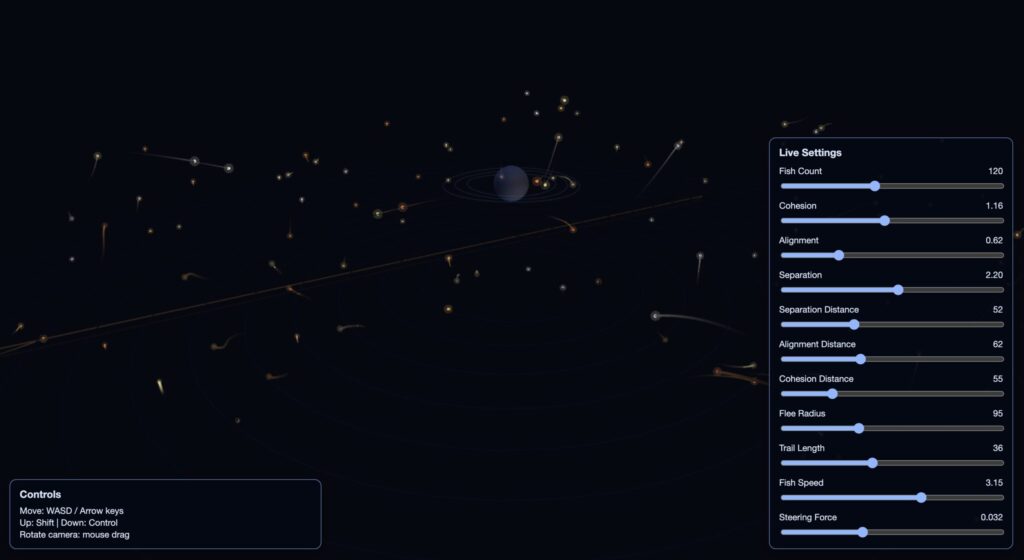
Lastly, I added UI controls. You can edit the settings in real time by adjusting the sliders. I coded this part using html so that the UI would be 2D since the WEBGL sketch is 3D the UI wouldn’t follow the camera view. I am sure there is a way to still use p5 to achieve the same effect but I think this turned out well regardless.
Code Highlight
avoidPlayer(actor) {
    const off = wrappedOffset(this.pos, actor.pos);
    const d = off.mag();
    if (d > actor.fleeRadius || d < 0.0001) return;

    const strength = map(d, actor.fleeRadius, actor.radius, 0.0, 1.0, true);
    const flee = off.mult(-1);
    flee.normalize();
    flee.mult(this.maxSpeed * (0.8 + strength));
    flee.sub(this.vel);
    flee.limit(this.maxForce * (1.6 + strength));
    this.applyForce(flee);
  }
I highlighted this code because it makes each koi fish avoid the player in an organic way. When the player enters the fish’s flee radius, the fish measures that distance, converts it into a stronger or weaker escape response, and then applies a limited steering force so it turns away smoothly instead of abruptly.
Embedded Sketch
Viewing the sketch directly through the web editor and in window size achieves the best effect.
Reflection and Ideas for Future Work
I’m happy with the movement of the fish and the minimalistic aesthetic but there’s still room for improvement in the future. The following is what I would add in the future if I were to continue on this project or do something similar.
- Add optional shader-based water caustics and soft volumetric fog.
- Introduce seasonal color palettes as a toggleable mode.