
Overview
This post documents the development progress on my final project, a direct and substantial expansion of Assignment 7. The core idea is to take the passive, decorative floor world from that assignment and transform it into a living ecosystem the user can shape in real time. The flock moves through the same visual world as the original sketch, the floor creatures react to what passes above them, coral grows and recedes based on where the flock lingers, and the entire mood of the world shifts between warm dusk and deep night based on how the flock behaves. On top of all of that, the microphone listens to the room, and sound directly disturbs the ecosystem.
At this stage, all the major systems are built and running together. What remains is the UI sliders panel and a final visual polish pass.
Milestone 1 — Environment
The first thing built was the environment with no agents at all. The goal was to get the visual foundation right before anything moved.
The background is a gradient that runs from warm amber at the top to deep indigo at the bottom. Unlike Assignment 7 where the background cycled through palettes on a fixed timer, this one responds to the flock’s behavior — but at this stage it was set to dusk to verify the colors. Perlin noise generates god-ray light shafts that taper downward from the top of the canvas, shifting slowly each frame. Five large ambient light blobs drift across the scene, carried directly from Assignment 7. The perspective vanishing-point floor grid sits at the bottom third of the canvas with a warm glow rising from below.
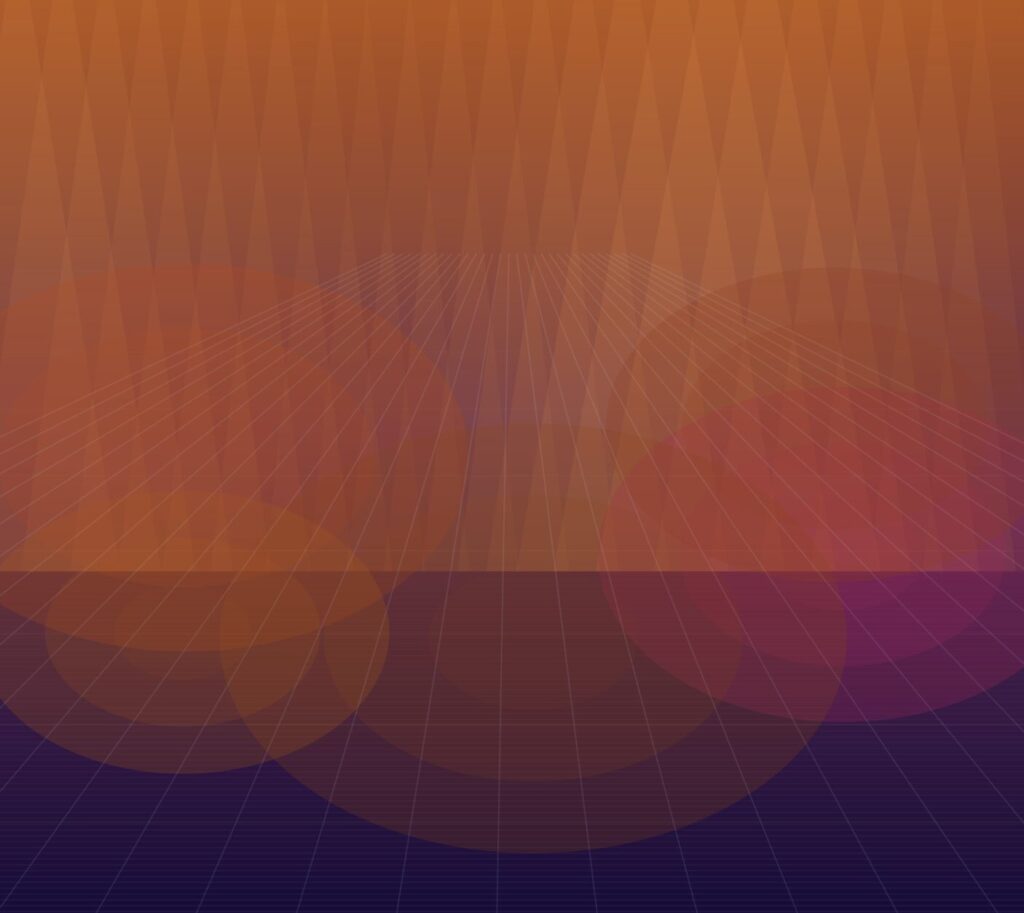
The first challenge here was getting the god-rays to feel like light through water rather than painted stripes. The fix was using noise to vary the width and brightness of each ray independently rather than giving them a uniform appearance, so some are wide and bright and others are thin and barely visible. The result reads as diffused underwater light.
Milestone 2 — Floor Creatures
With the environment stable, the floor creatures from Assignment 7 were brought in next. All four designs — flowers, fish, lizards, and swirls — wander across the floor using the same wander steering from the original sketch: tiny random velocity nudges each frame produce organic, unpredictable paths that feel alive rather than mechanical.
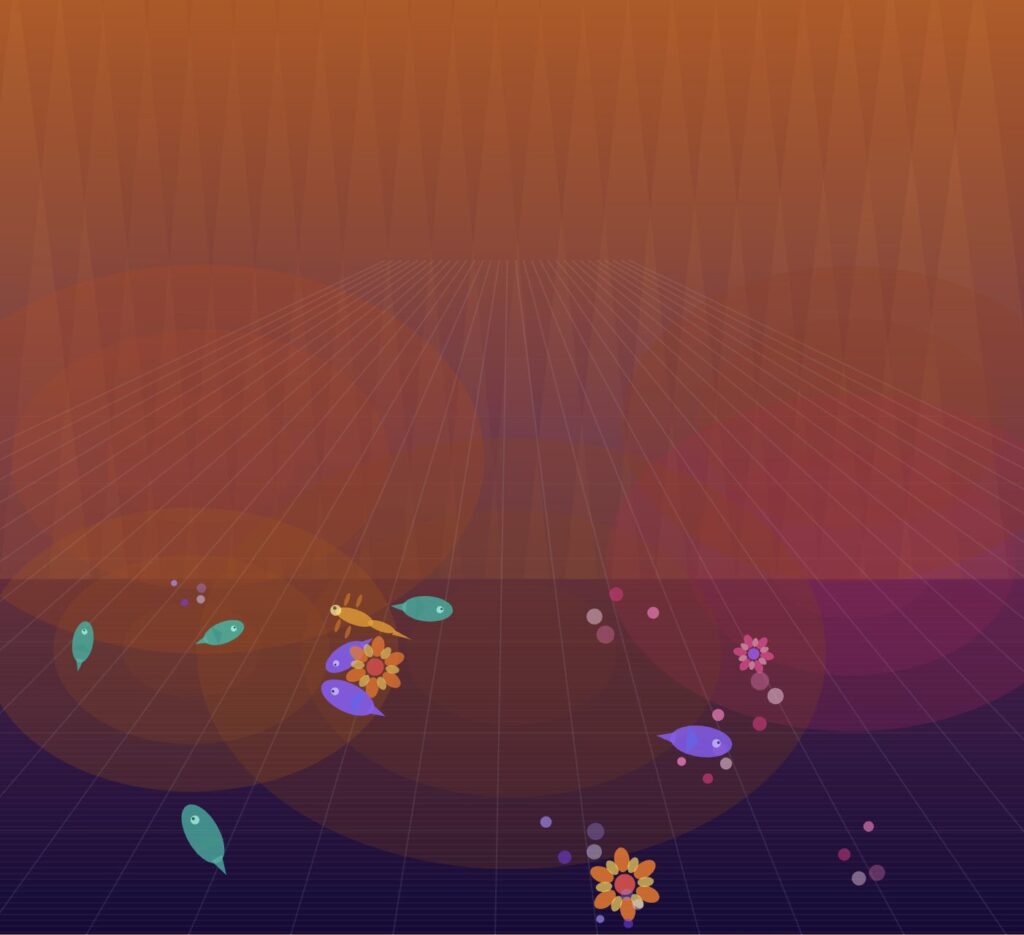
At this point the sketch looks almost identical to Assignment 7. That is intentional. The point of this milestone was to confirm the visual foundation was intact before adding the new behavioral layer on top of it. Everything from the original — the wobble animation offsets, the soft vertical boundaries keeping creatures on the floor, the creature drawing code — carried forward without modification.
Milestone 3 — Flock and Flow Field
This is where the project becomes something genuinely new. The single butterfly from Assignment 7 is replaced by a flock of 65 agents, each randomly assigned one of the four creature designs. They are all the same behavioral system underneath but look completely different from one another, so a tight cluster contains spinning flowers next to fish next to swirling orbs all moving as one body.
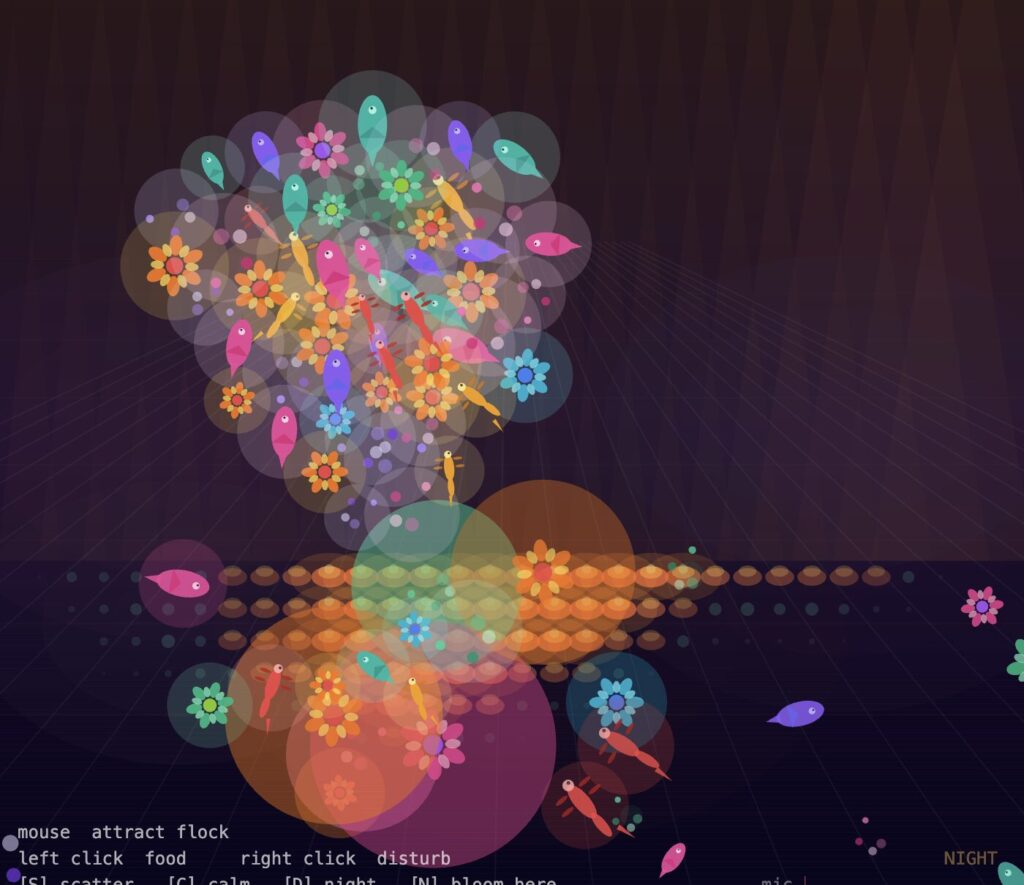
The flock uses three steering forces running simultaneously: separation keeps agents from crowding each other, alignment steers each agent toward the average heading of its neighbors, and cohesion pulls each agent toward the average position of its neighbors. On top of those, a Perlin noise flow field applies a gentle base current to every agent, and the mouse acts as a continuous attractor — the flock swims toward the cursor at all times. Moving the mouse slowly produces a calm trailing formation. Moving it quickly makes the flock chase and spread.
The floor creatures gained awareness at this milestone too. Each one finds the nearest flock agent every frame and, if it is close enough, turns toward it and glows. The glow fades smoothly when the flock moves away.
The most technically interesting part of this milestone was blending the flocking forces with the mouse seek force without the mouse completely dominating. The solution was limiting the seek force to a lower multiplier than separation and cohesion, so the flock follows the mouse as a group rather than every agent rushing toward the cursor independently.
Milestone 4 — Coral Cellular Automata and Food
The coral system is what gives the floor memory. A grid of cells covers the floor zone. Each cell tracks how long the flock has spent above it. Sustained presence causes cells to grow through three visible stages: a small dim polyp, a growing mid-stage coral with layered orange and amber ellipses, and a full bloom with a glowing halo that intensifies in night mode.
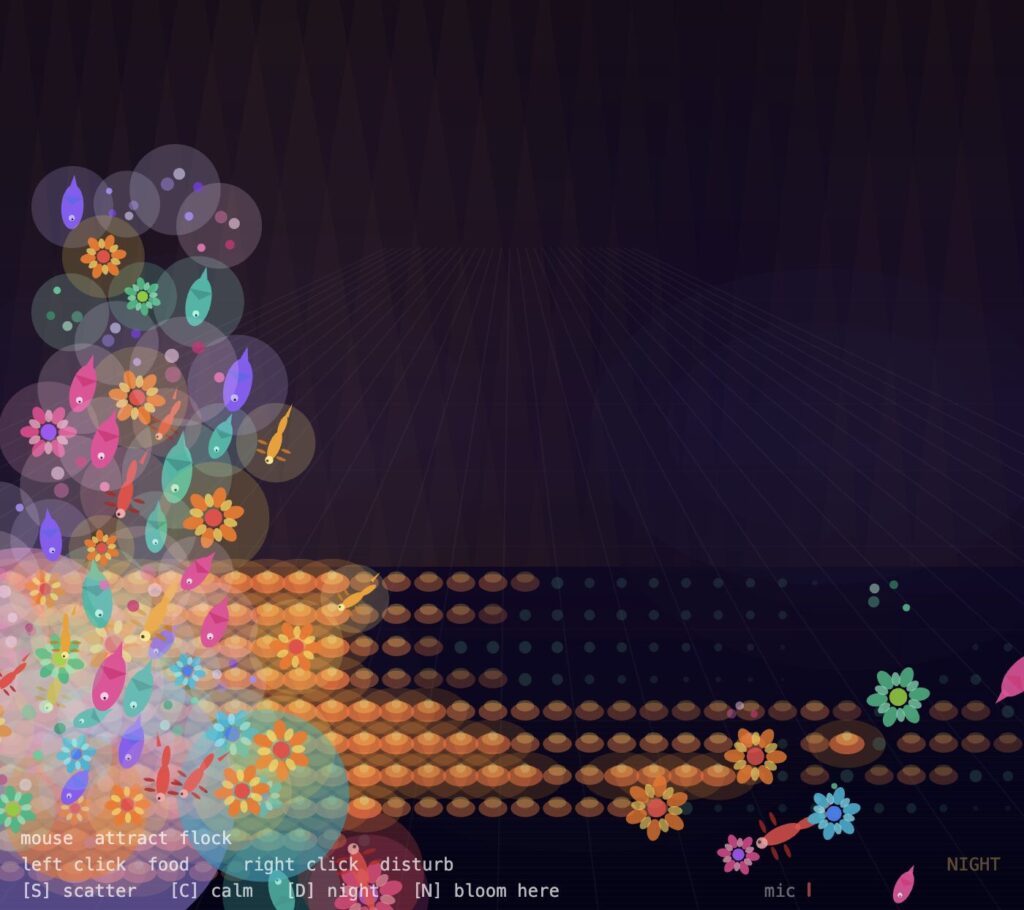
Left-clicking drops a food source at that point. The flock detects it and converges tightly, clustering directly above it. A dense cluster above a cell accelerates its growth noticeably. The food dissolves after a few seconds and the flock reforms. Clicking several times in the same area produces a visible coral patch that persists even after the flock moves away, slowly receding over time.
The mouse also interacts directly with the coral independent of the flock. Cells near the cursor pulse with a slow breathing glow driven by a sine wave, and cells directly beneath a stationary mouse grow faster than cells the flock is simply passing over.
The challenge in this system was performance. Checking every flock agent against every coral cell every frame is expensive. The fix was sampling only agents within a fixed radius of each cell rather than checking the full flock, which kept the frame rate stable even with 65 agents and a dense grid.
Embedded Sketch
What Still Needs to Be Built
A UI sliders panel in the top right corner giving the user direct control over flock size, coral growth speed, and current strength. This is the last remaining interactive layer before the project is complete.
A final visual polish pass on the creature drawing, the coral bloom stages, and the transition smoothness between dusk and night.
Reflection on Progress
The most surprising result of building this was how much the mood system changed the feeling of the sketch. In early tests without it, the world was visually interesting but static in character — it always looked the same regardless of what the user did. Once the mood system was connected, the world started responding with a personality. A chaotic session where the user keeps pressing S and right-clicking feels genuinely different from a calm session where the flock clusters quietly and coral builds up slowly on the floor. The same code produces two completely different emotional experiences depending on how the user interacts.
The microphone input was the most technically uncertain part of the build. p5.sound requires the library to be loaded separately in the p5.js editor and the browser must grant microphone permissions before any level data is available. Once running, the effect is immediate and visceral — speaking or clapping near the laptop produces a visible shockwave through the flock that no mouse interaction can replicate.
References
Shiffman, D. (2024). The Nature of Code, v.2. https://natureofcode.com
Reynolds, C. (1999). Steering behaviors for autonomous characters. Game Developers Conference.
Wolfram, S. (2002). A New Kind of Science. Wolfram Media.
Assignment 7, teamLab “Color Your World” recreation (Bismark Buernortey Buer) — direct visual foundation.
Assignment 8, The Shoal (Bismark Buernortey Buer) — flocking system reference.
p5.sound library documentation. https://p5js.org/reference/p5.sound
AI disclosure: Claude (Anthropic) was used to help structure and articulate this progress documentation.